
Notes, recalls and SOPs
Notes
Notes about a unit appear at the top of its screen.
- Blue and amber notes are for information.
- Red notes are critical. Tap each one to confirm you’ve read it. You can’t start grading until you do.
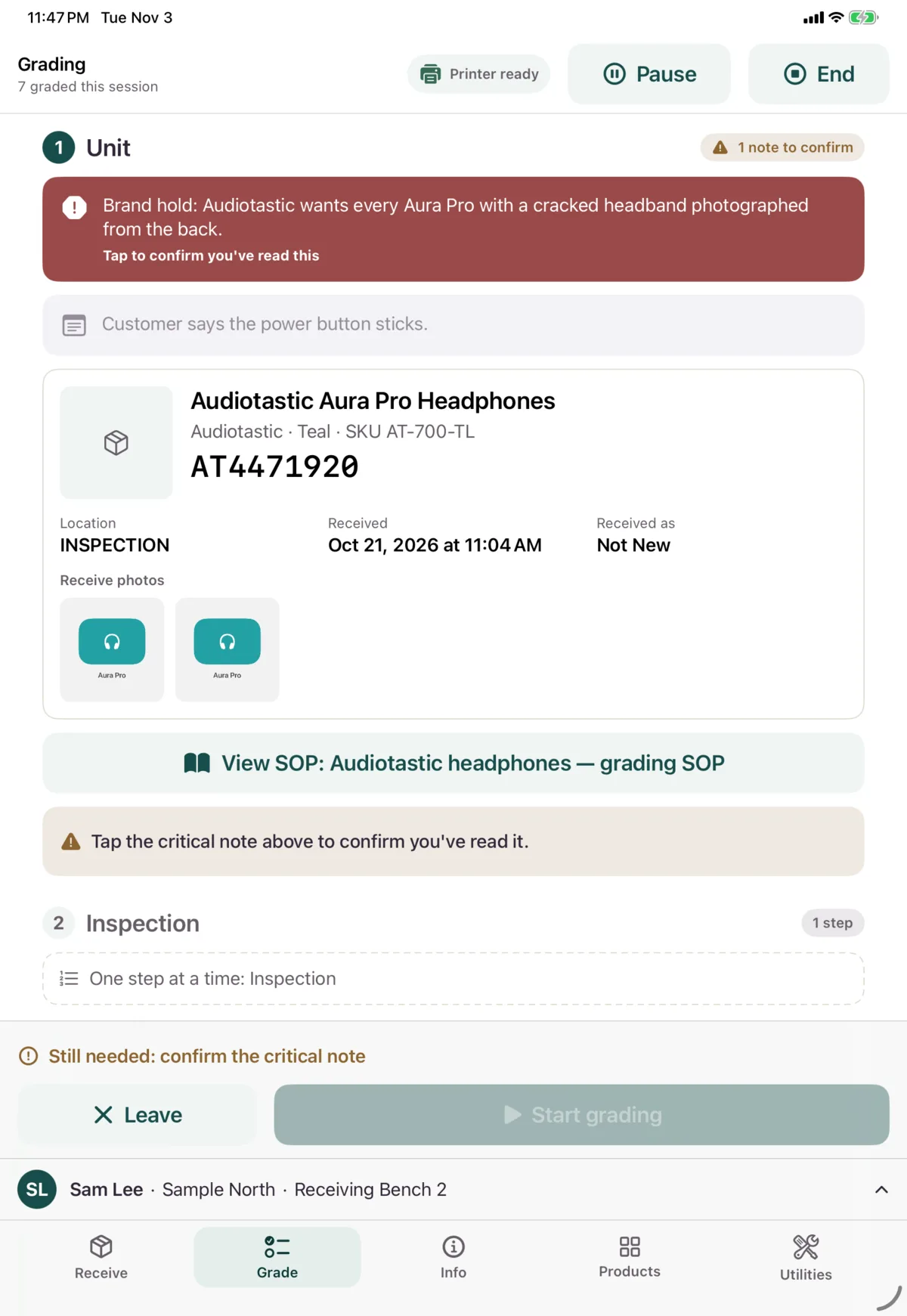
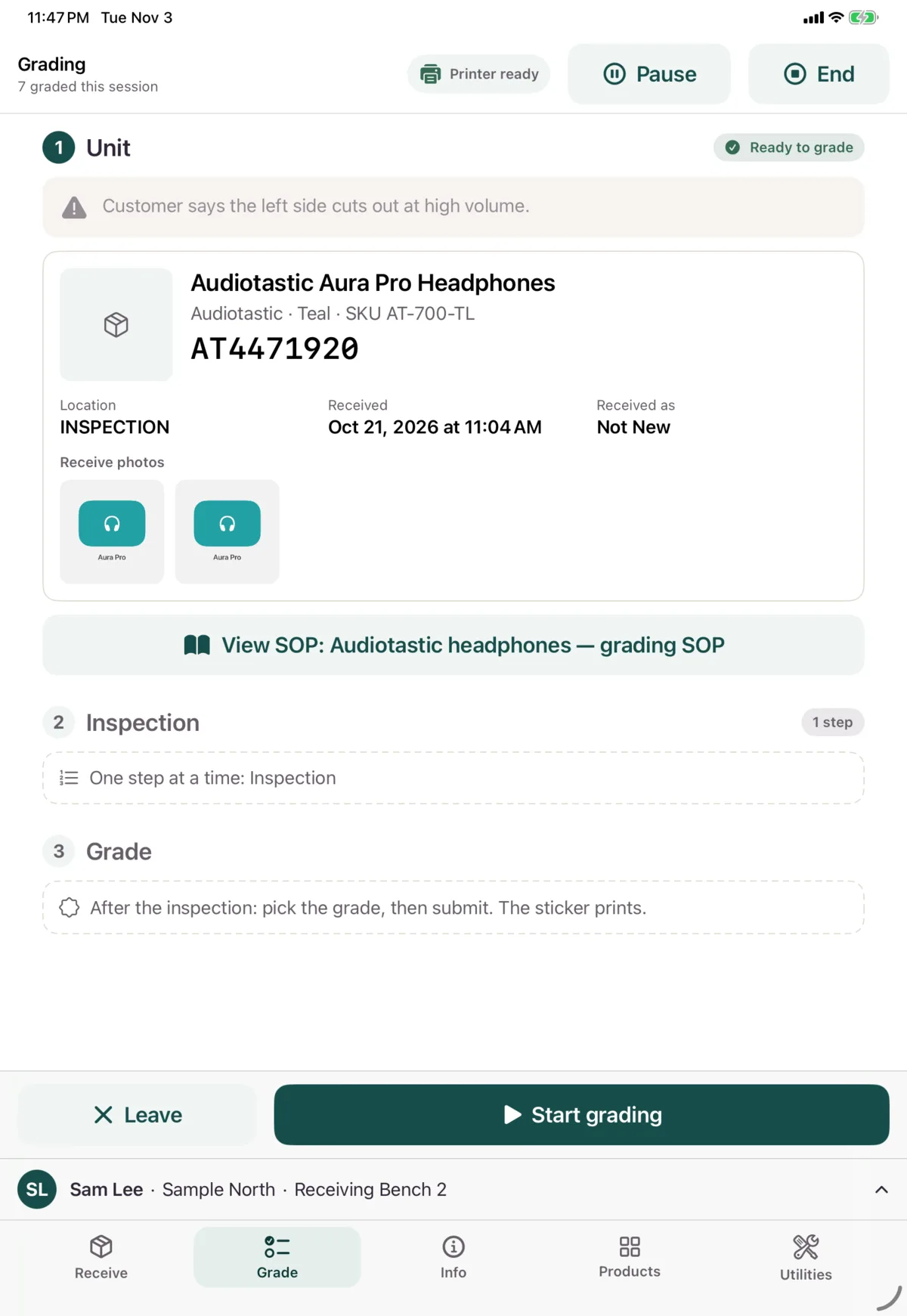
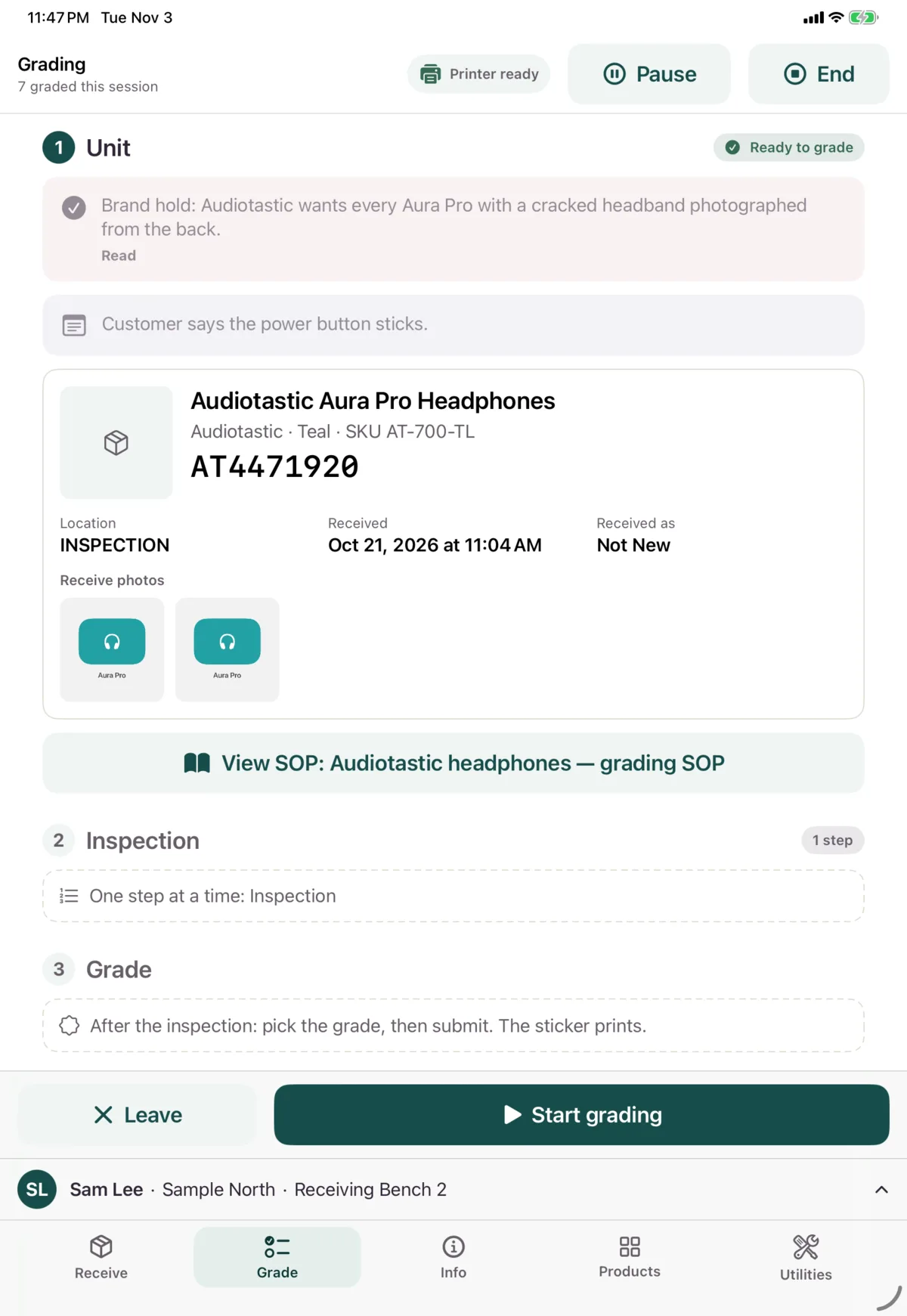
You’ll need to confirm critical notes again if you look the unit up again.
Recalls
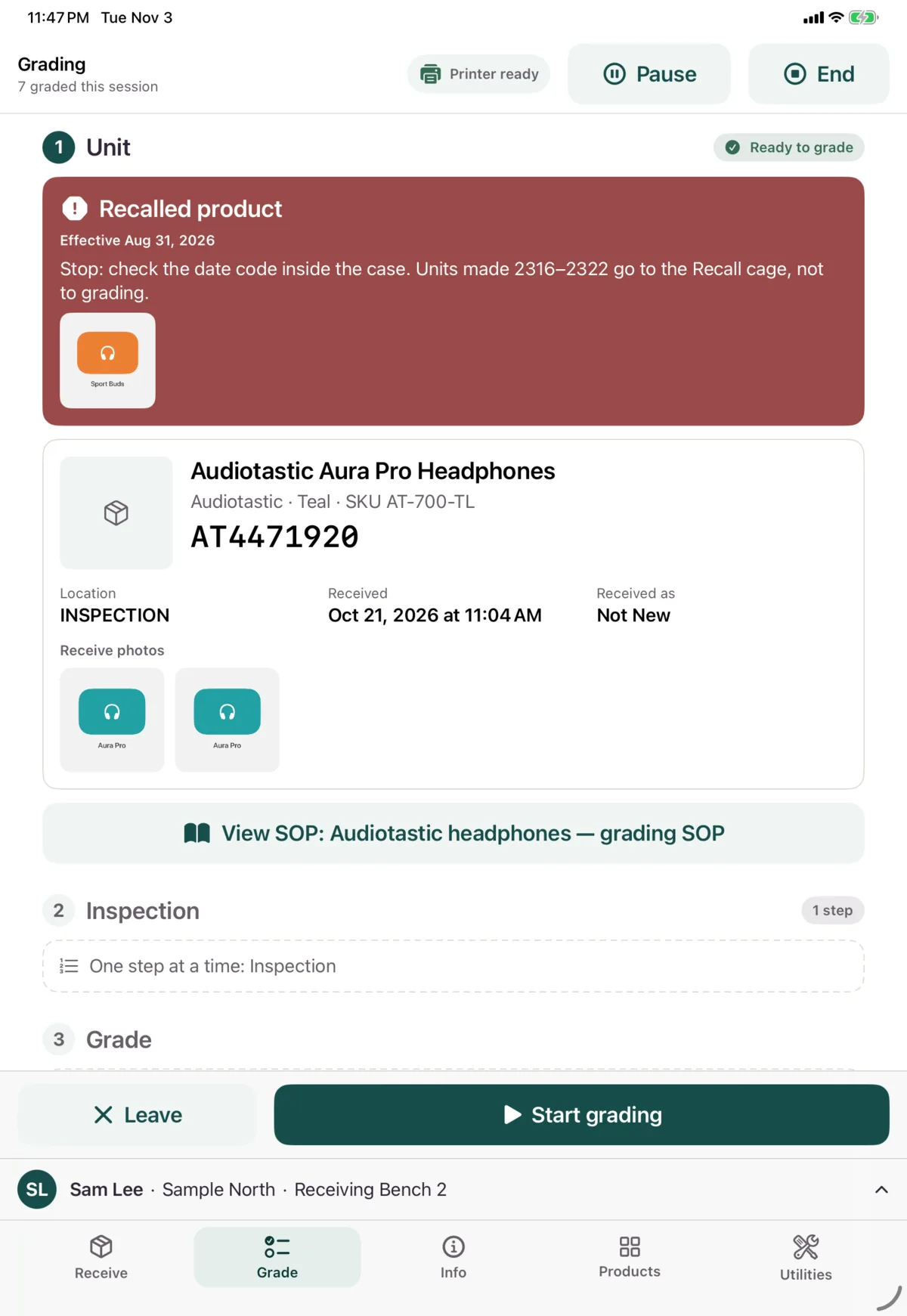
A recalled product shows a red banner first, with its instructions and date. Tap a photo or video to open it. Follow the instructions. The banner doesn’t stop you grading.
View the SOP
If the product has an SOP, tap View SOP, before or during grading. Tap a material to open it.
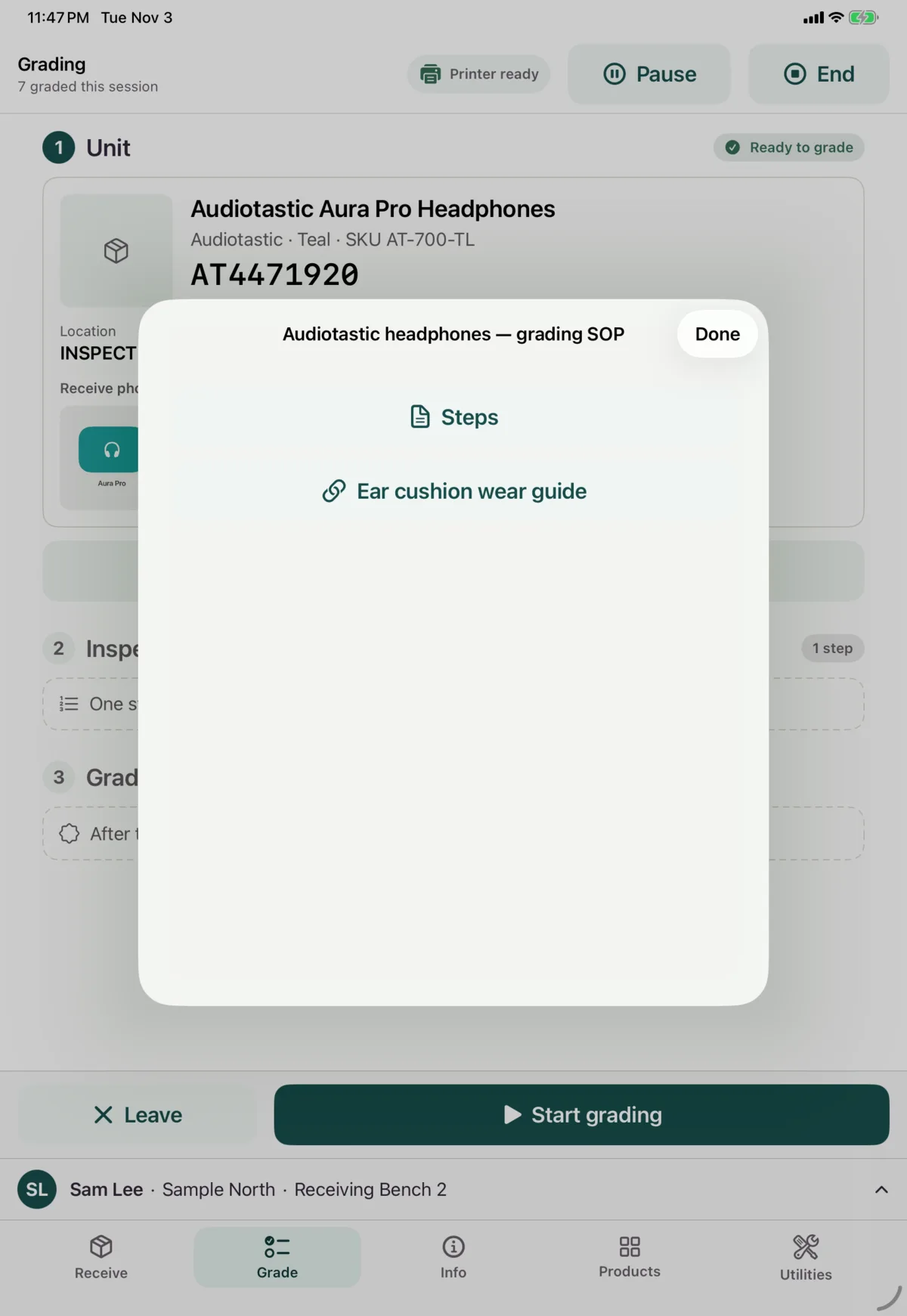
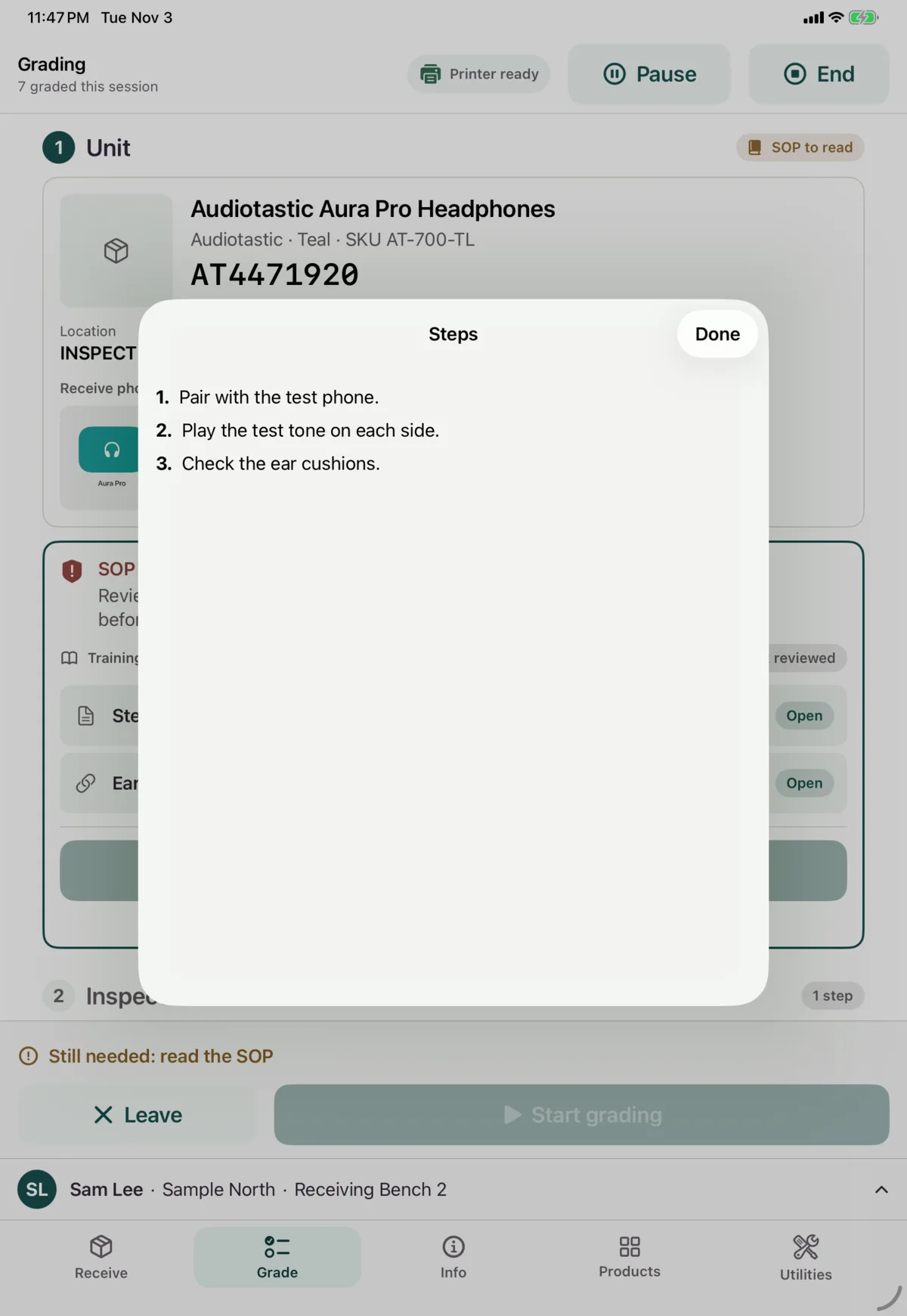
Text opens in the app. Links, PDFs, images and videos need a connection.
Step-by-step guides
Some SOPs are a guide you follow one step at a time, full screen. Back and Next stay at the bottom, however long the step is.
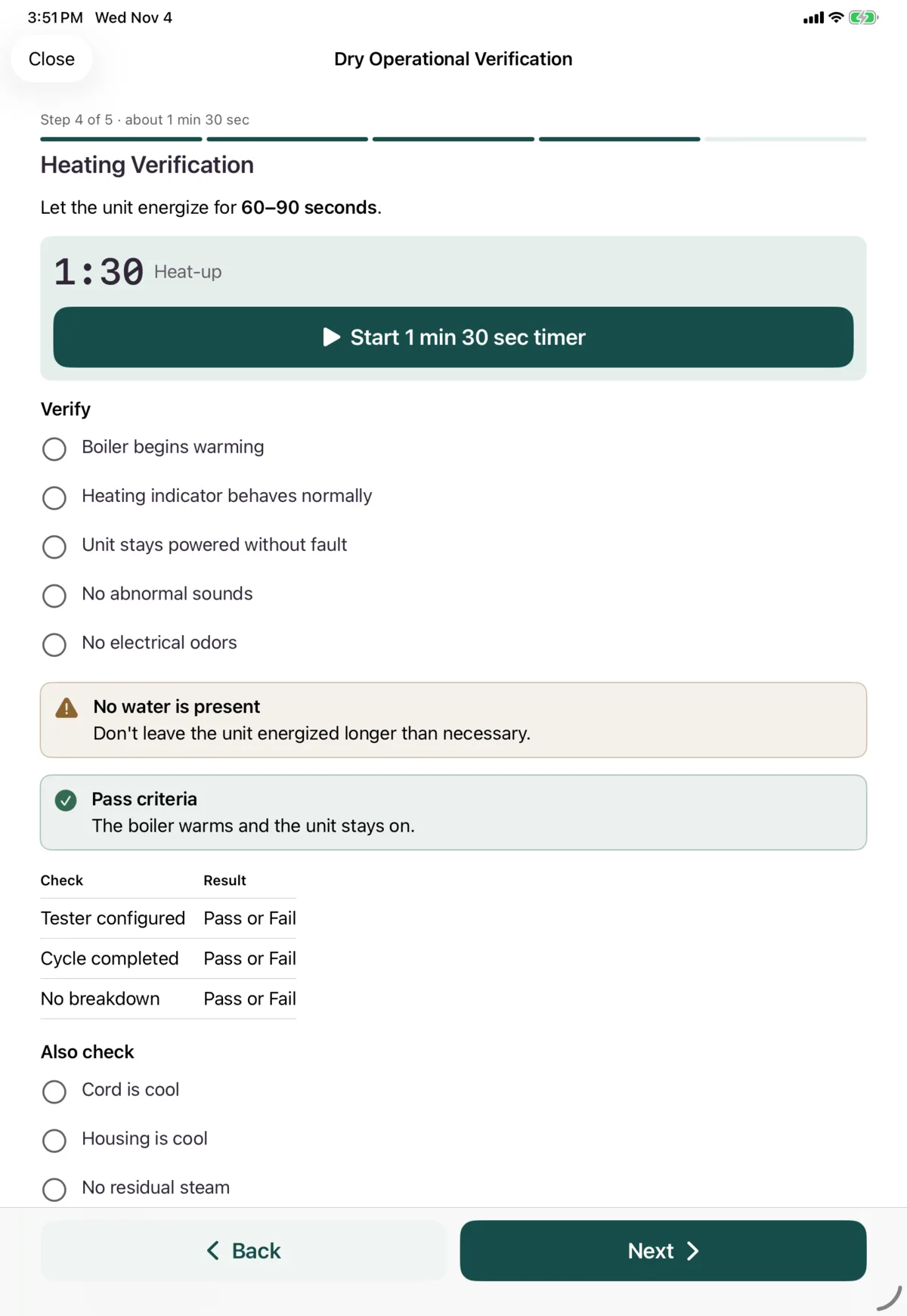
- Timers run while you do something else.
- Ticks are just a helper. Nothing makes you tick them, or open the guide at all.
- Close the guide to answer questions. When you open it again, you’re back where you were.
When an SOP changes
If an SOP has changed since you last saw it, you’ll see This SOP changed, with what’s different. It doesn’t stop you grading.
- Review opens the guide at the first new or changed step, labelled New or Changed.
- Got it hides the notice.
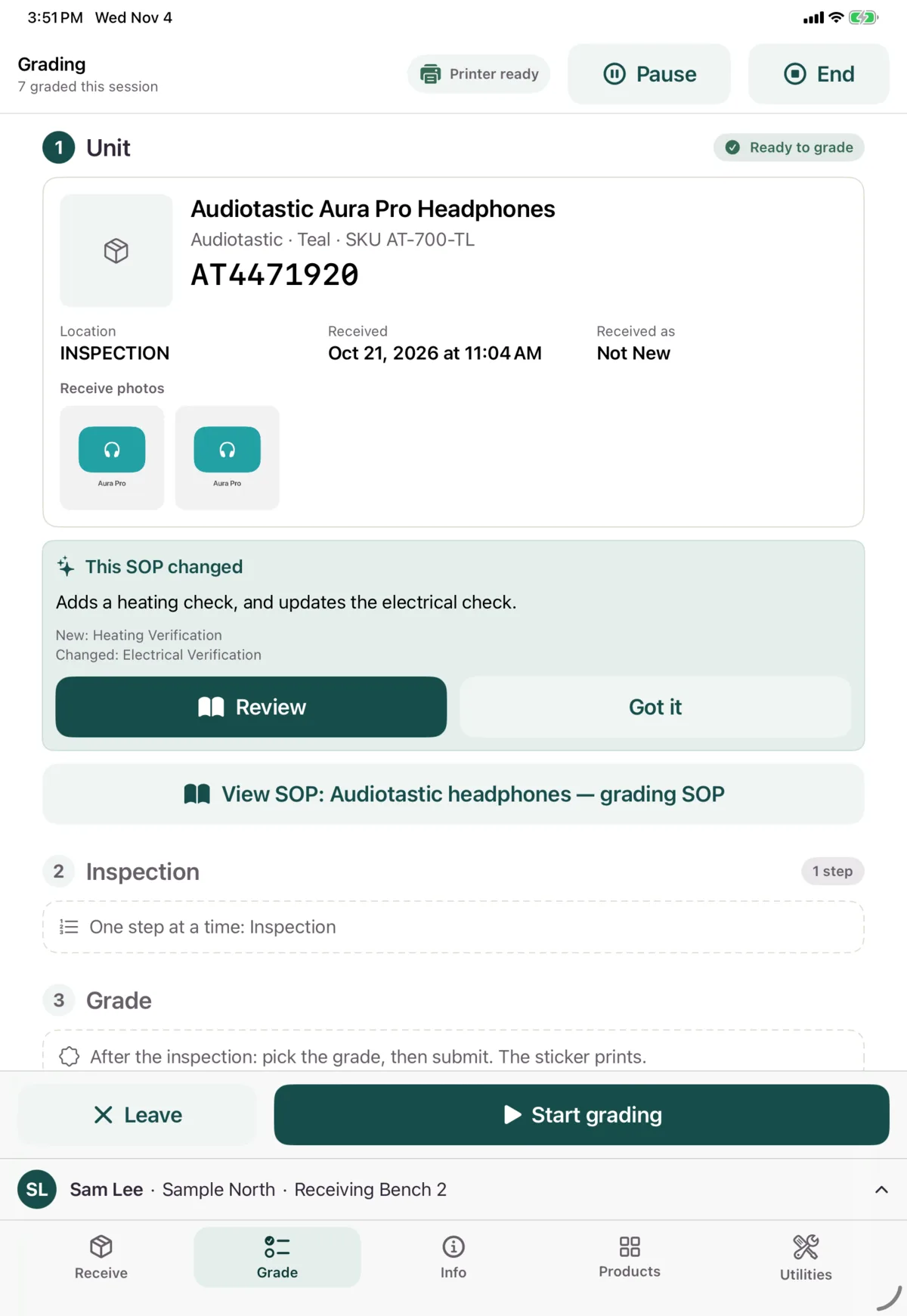
The grades you give record which version of the SOP was in use.
When an SOP needs acknowledging
Some SOPs must be reviewed and acknowledged before you can grade that product.
- Tap Open on each material, and close it when you’re done. It then counts as reviewed.
- When all are reviewed, tap I acknowledge this SOP.
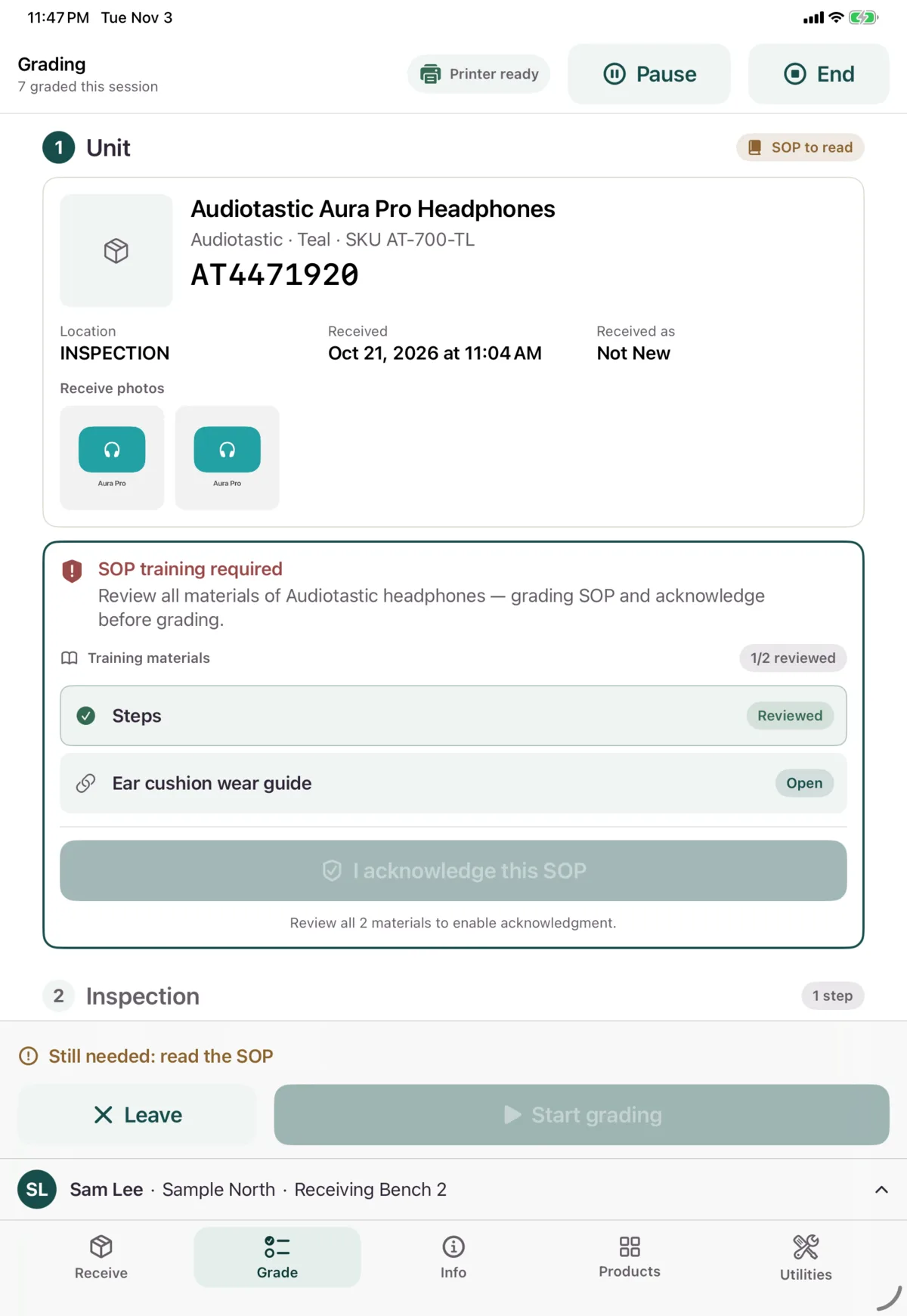
Your reviews are remembered on this device. An SOP with no materials can’t be acknowledged, so ask your admin.
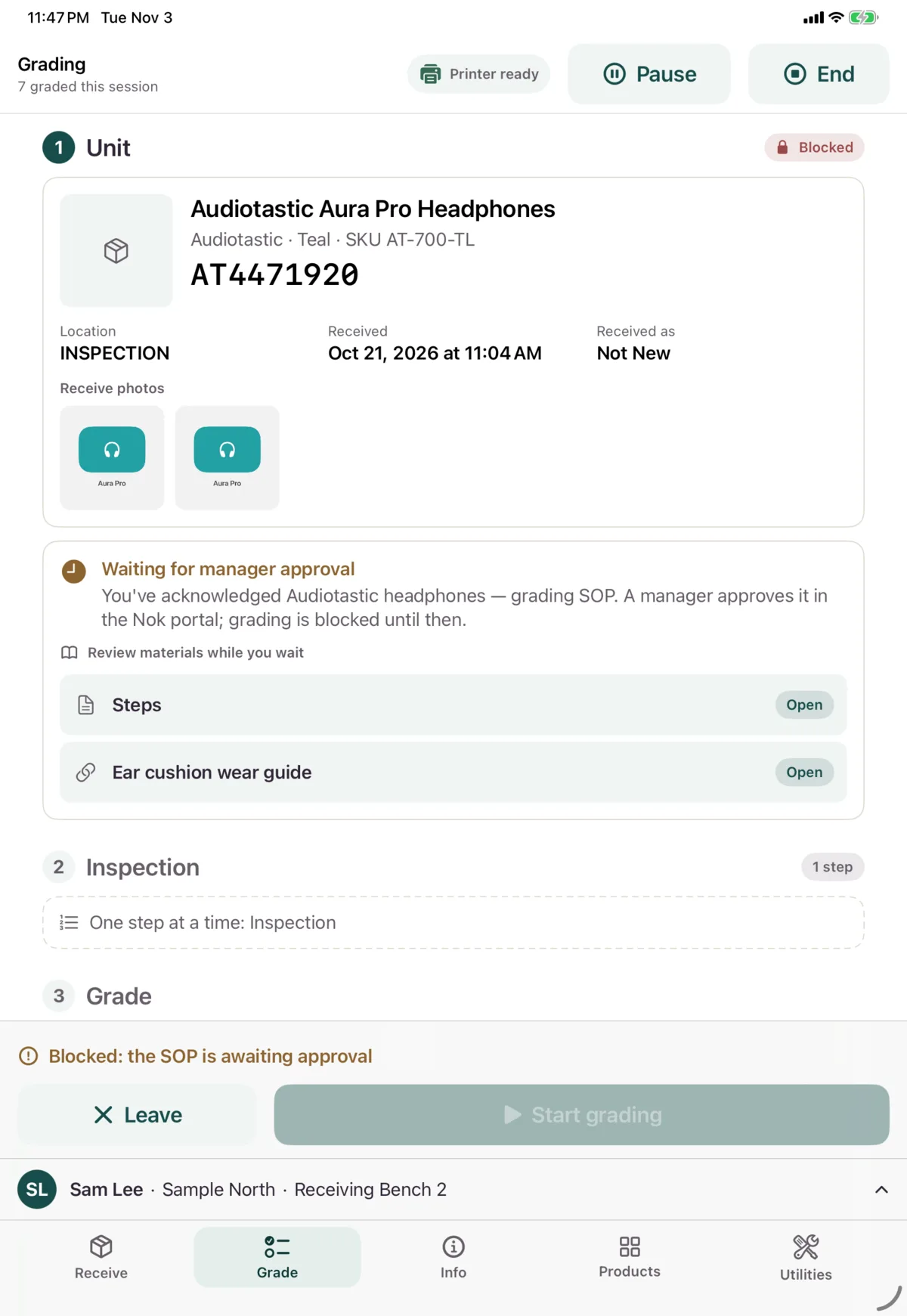
If the SOP also needs approving, you’ll see Waiting for manager approval. A manager approves it in the Nok portal. You can still read the materials while you wait, but you can’t grade that product yet.
Next: Warranty decisions