
Finish a package
Tap Finish package at the bottom of the screen. What you see depends on what’s been received.
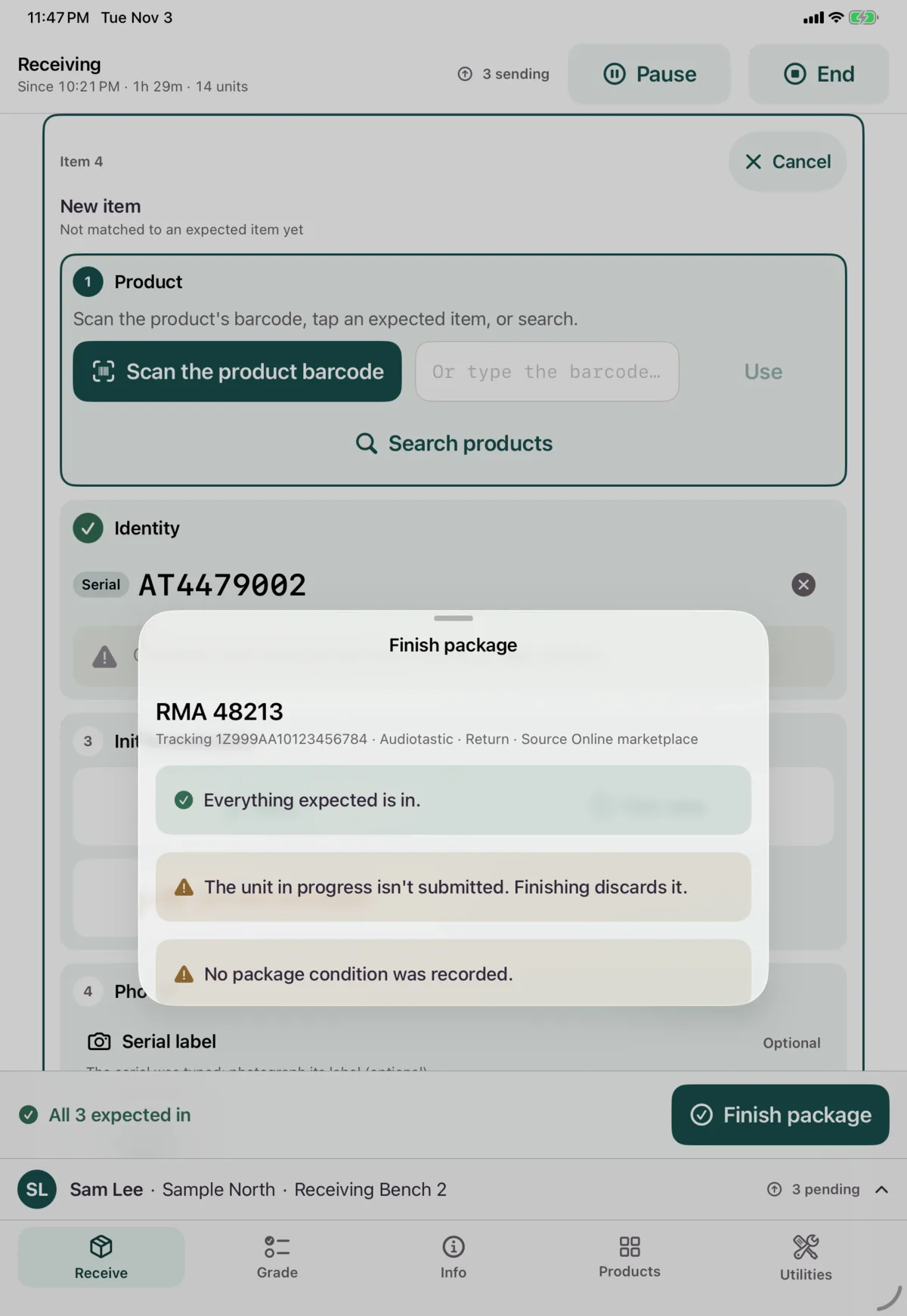
Everything is in
You’ll see a summary. It warns you about anything skipped, such as a label photo or the package condition, but doesn’t stop you. The one exception is a package with no tracking number, which needs its label photo or No label on this package first.
Tap Finish package. If a unit is still in progress, finishing discards it. Tap Keep receiving to go back.
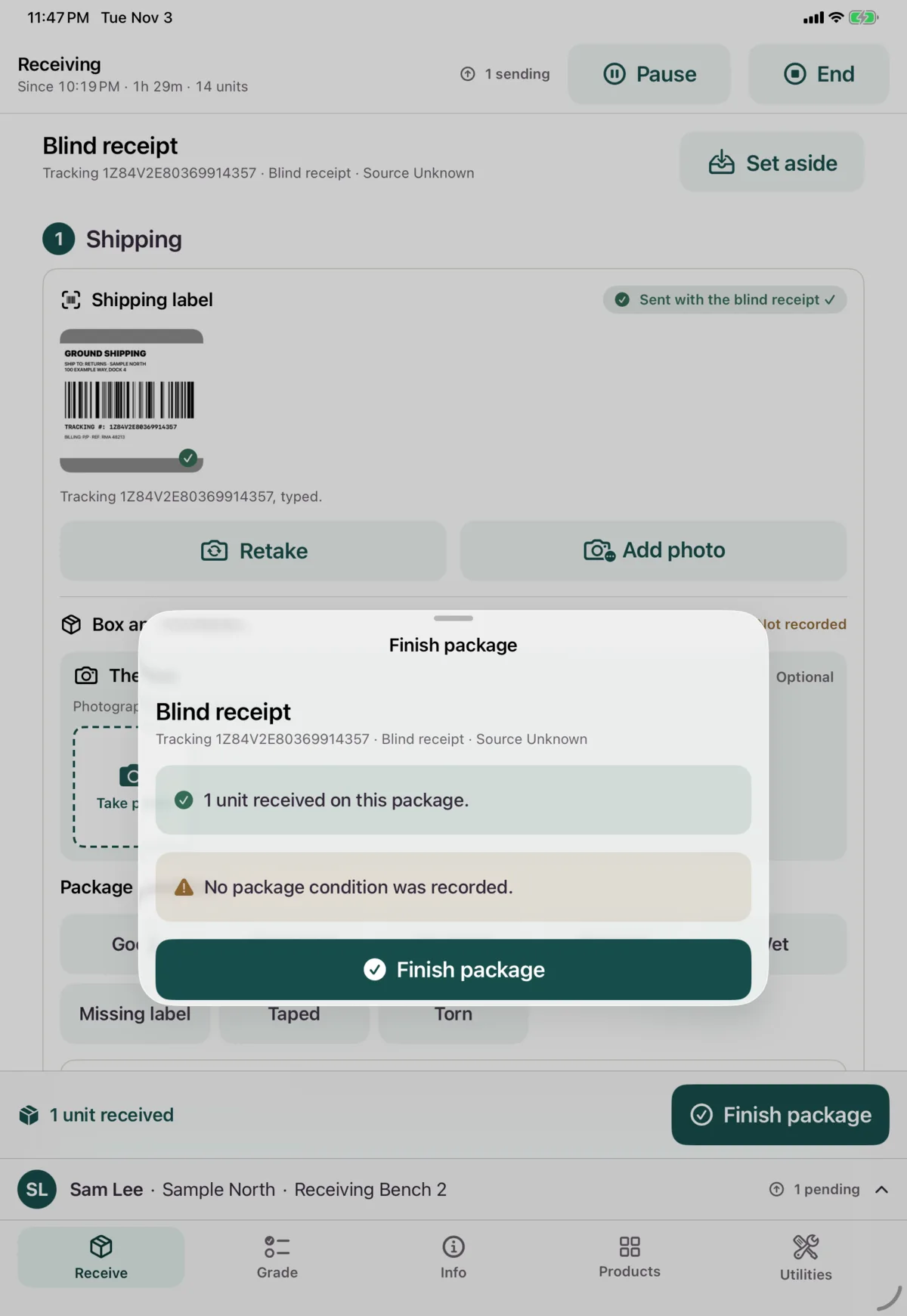
A blind receipt finishes the same way.
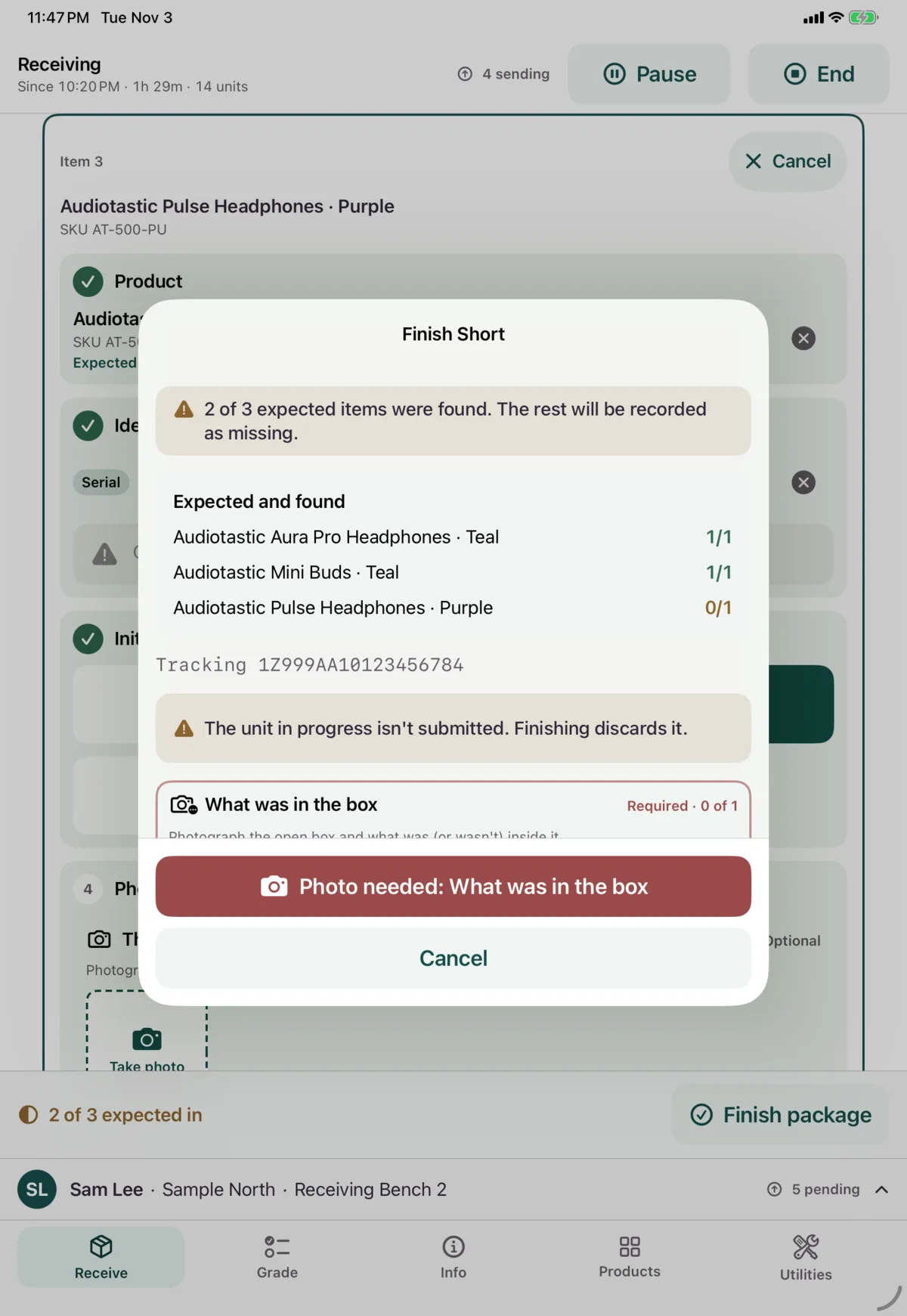
Finish Short
Some, but not all, of the expected items are in. The rest are recorded as missing. You need a photo of the open box and what was in it. Add notes if they’d help, and tap Confirm short.
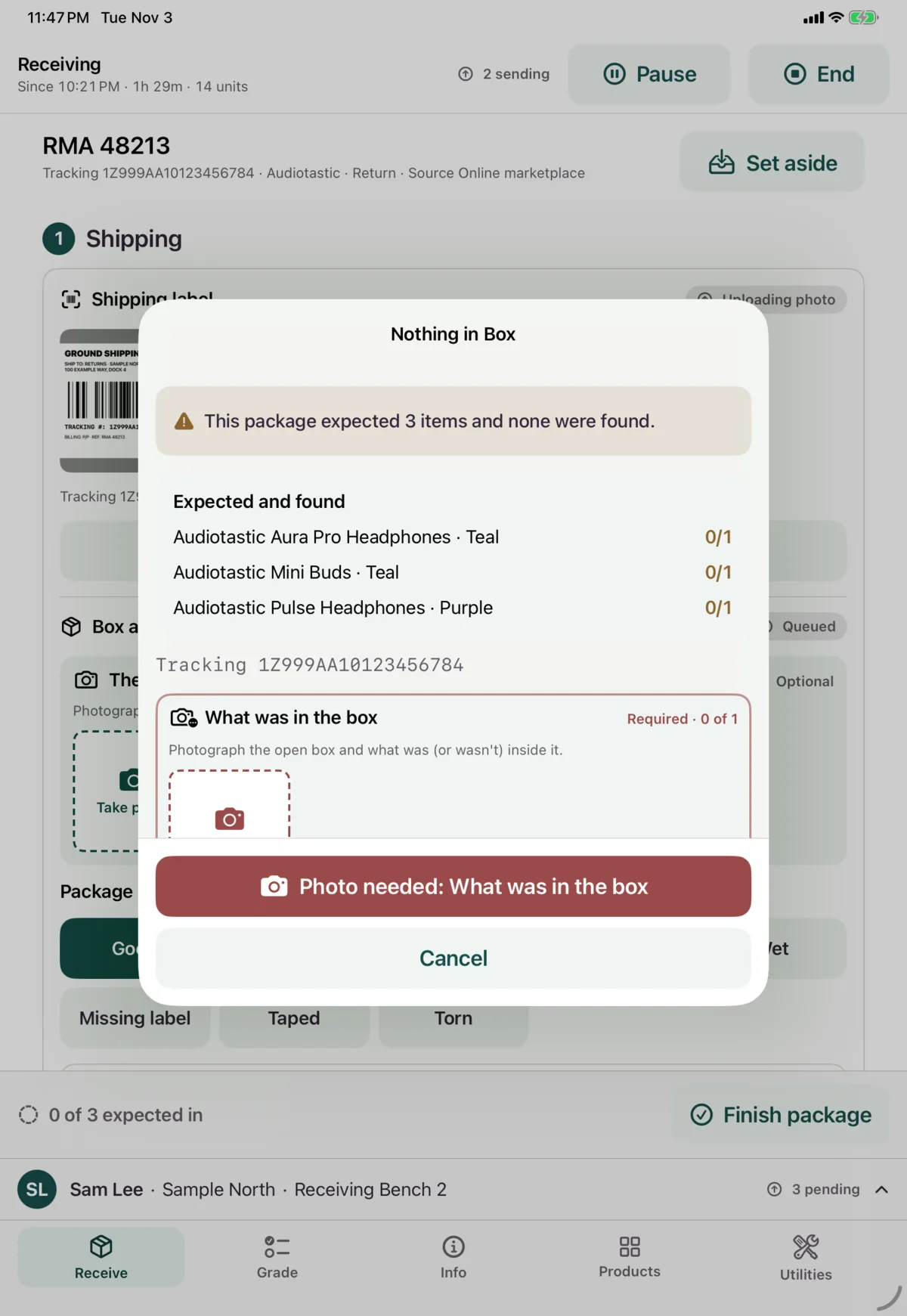
Nothing in Box
None of the expected items were there. You need a photo here too. Tap Confirm empty.
You don’t need to work out why. Just record what you saw.
Undo
If you closed a package as Finish Short or Nothing in Box by mistake, you can open it again:
- Find it in Today’s packages and tap it.
- Tap Undo, and add a reason if you want.
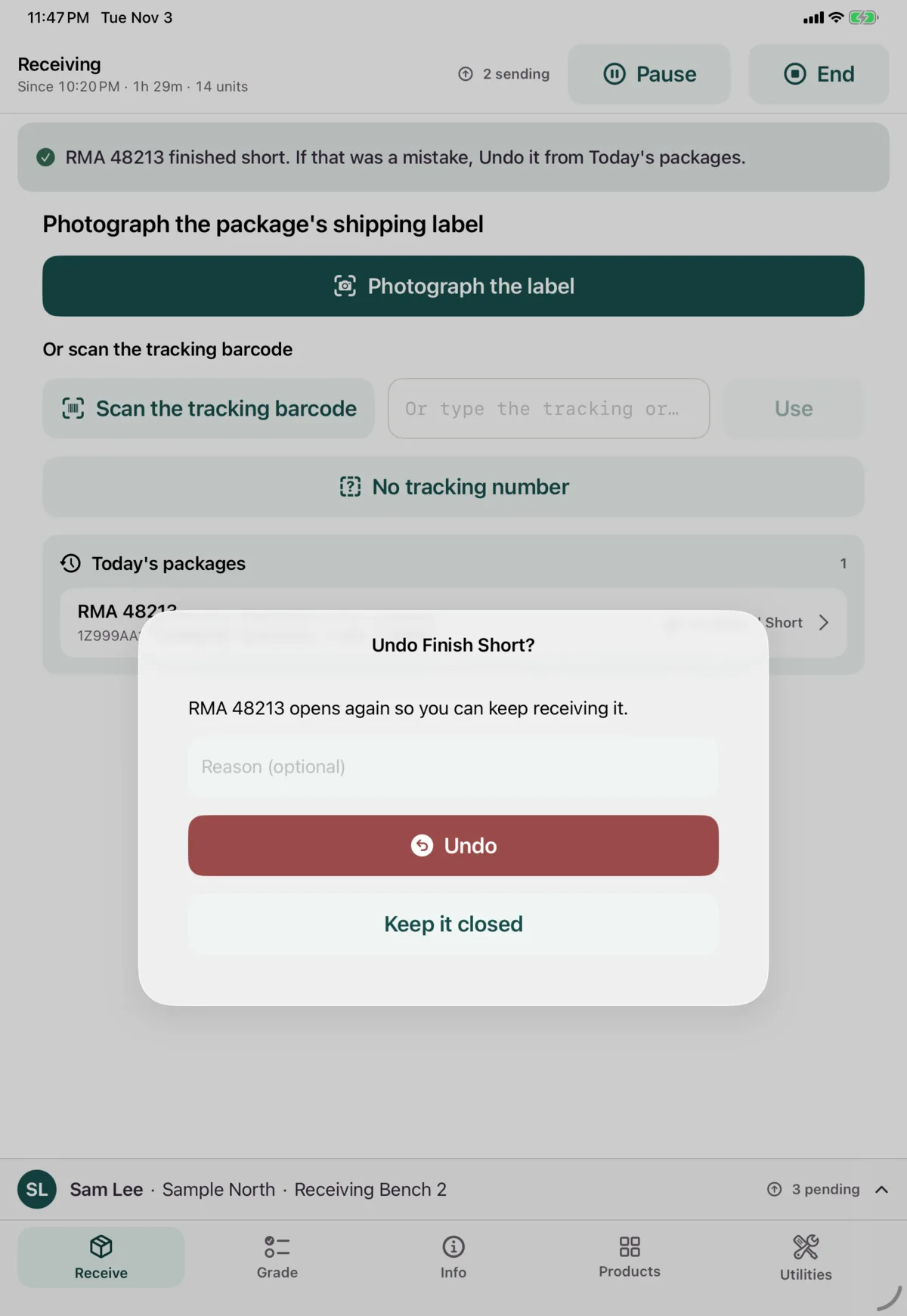
This also brings back any items you’d marked Not Received on that package. To add to a package you finished normally, use Reopen to add a unit. To undo one item while the package is still open, see An expected item that isn’t there.
Set aside
Tap Set aside at the top of a package to go back to the label screen and start another. The package stays open in Today’s packages.
It stays set aside until you open it from there, even if you close and reopen the app. Otherwise, reopening the app takes you back to the package you were on.
Today’s packages
The packages you’ve opened today on this device, plus any still open from before.
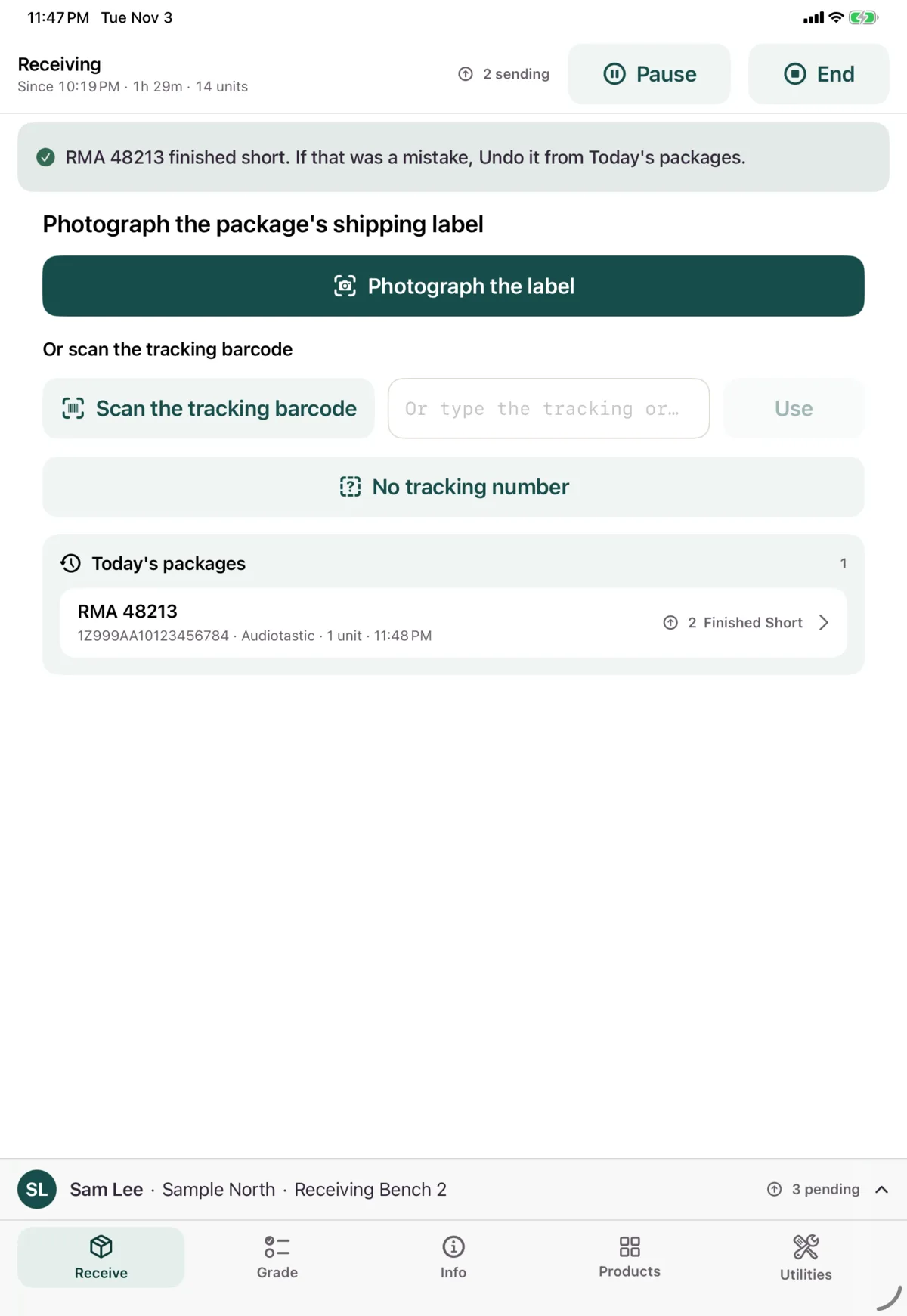
Each one shows its status: Open, Open (undone), Finished, Finished Short or Nothing in Box, and how many of its items are sending or need attention.
Tap one to see its details, and to:
- Continue this package, if it’s open
- Reopen to add a unit, if it finished normally
- Undo, if it finished short or empty
- Retry anything that needs attention
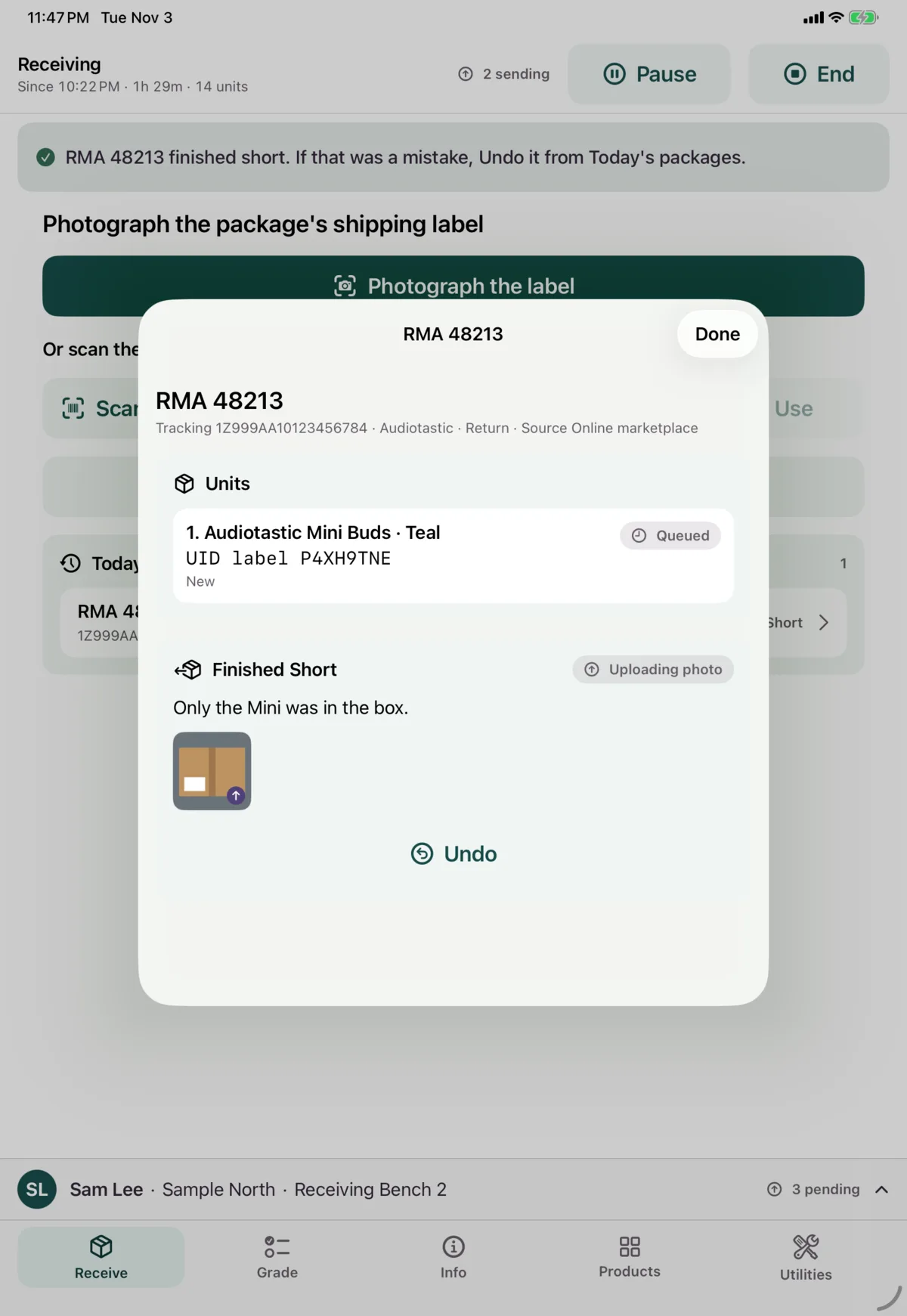
Units you add go into your current session.
Next: Grade a unit