
Working offline
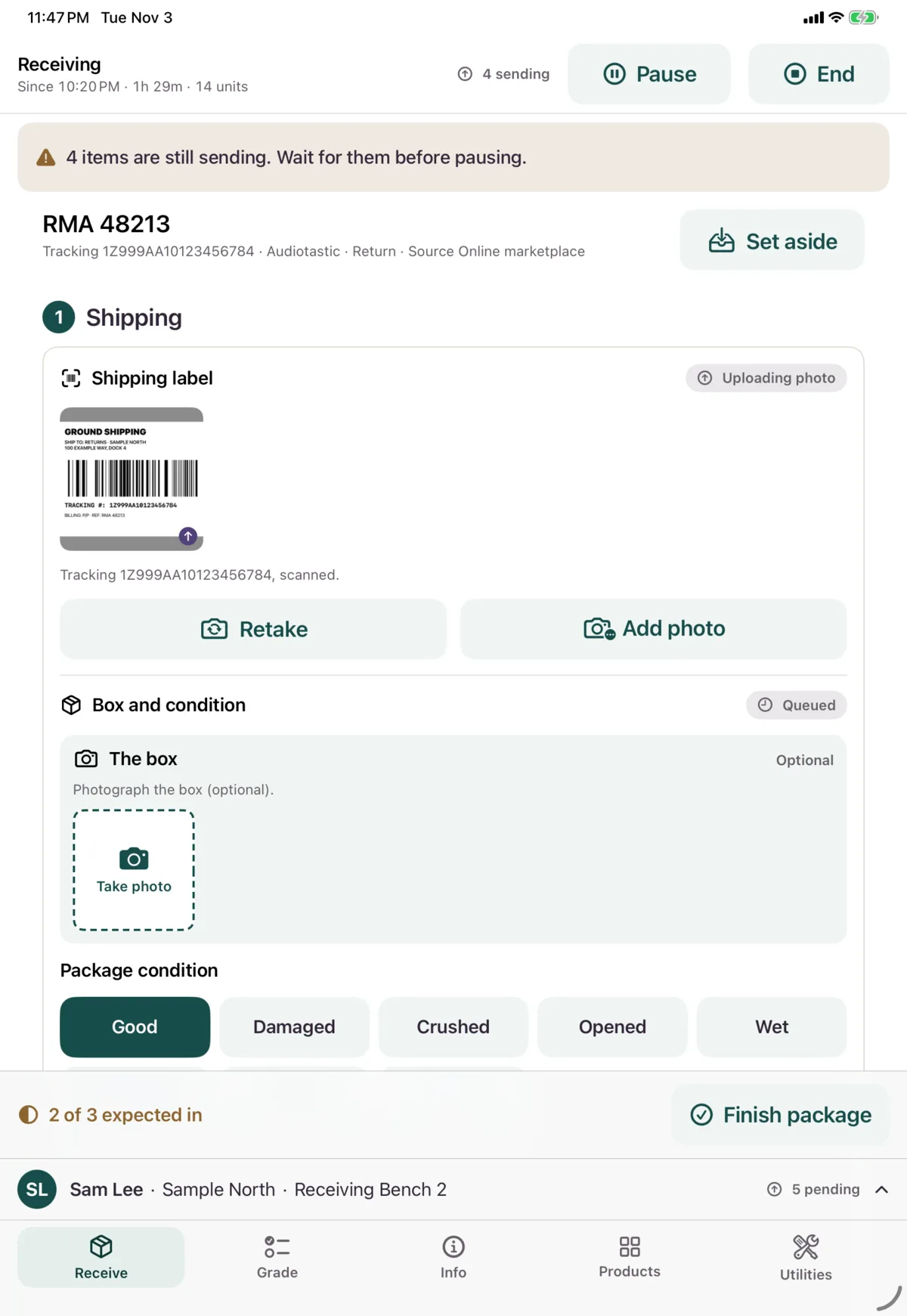
Nok Snap saves what you do on the device and sends it in order, so a Wi-Fi drop doesn’t lose your work. The bar above the tabs shows how much is left to send.
What works offline
| Works offline, and sends later | Needs a connection |
|---|---|
| Submitting a unit, with its photos | Signing in, and unlocking |
| Package condition, label photos and notes | Starting, pausing, resuming or ending a session |
| Choosing a source from the list | Adding a new source |
| Report Issue, Not Received, No label on this package, Finish Short, Nothing in Box and Finish package | Searching for a package, and opening a pre-advice |
| Undo, on a package or a Not Received item | Creating a blind receipt |
| Answering an inspection, and taking photos | Creating a product |
| Submitting a grade or warranty decision | Looking up a unit to grade, and starting grading |
| Printing a sticker or UID label, if the printer is on Wi-Fi | Acknowledging an SOP, and opening its links, PDFs and videos |
| Browsing and searching Products | Info, Lookup, and Fix UID or serial |
| Adding a product photo, or suggesting a code | Downloading or updating the catalog, and quick-create |
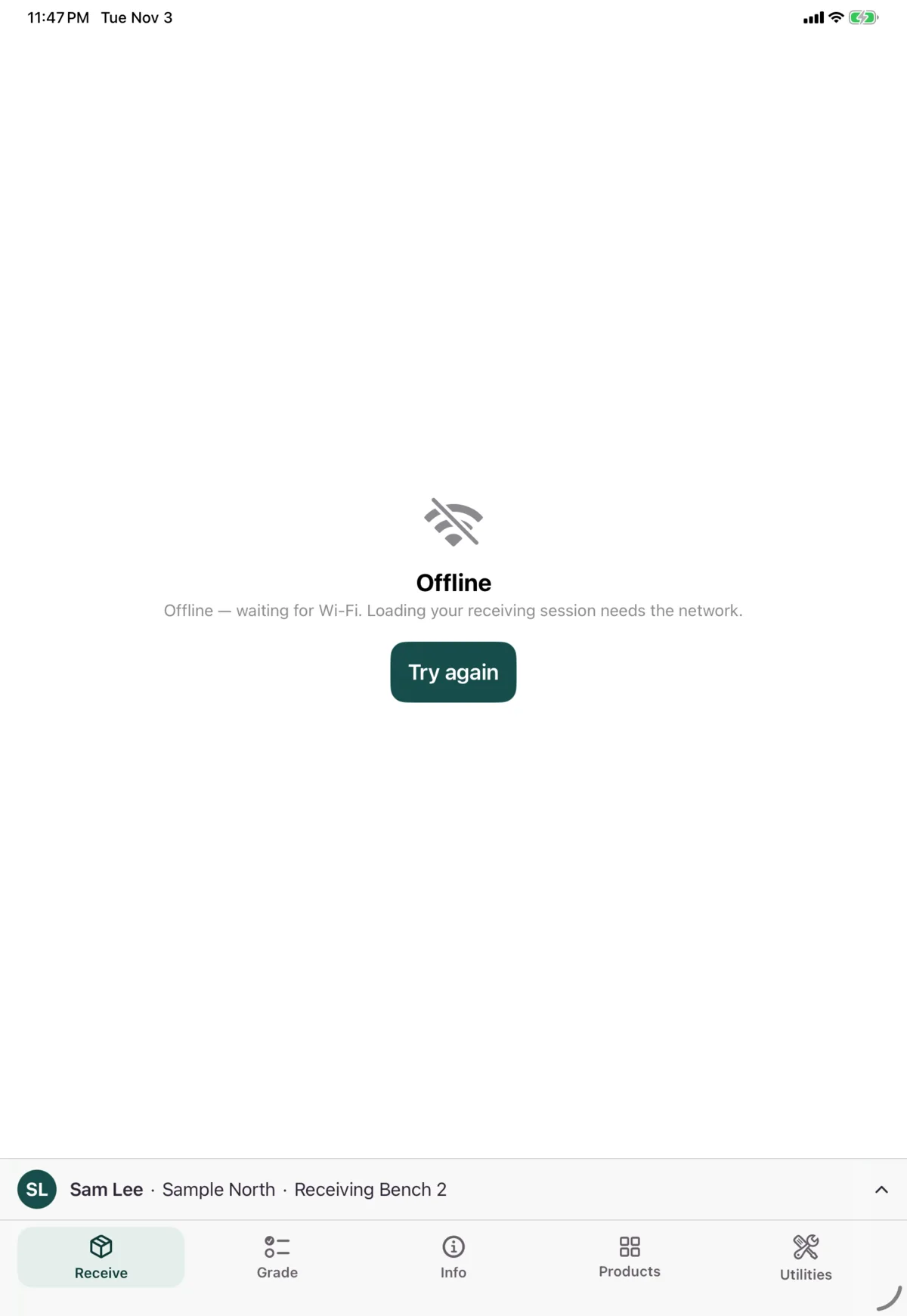
If the Wi-Fi drops, the Receive tab carries on with your session and the package you were on, even if you close and reopen the app. If this device doesn’t know about a session yet, you’ll see Offline until the connection returns. Your work is still safe on the device.
Once a session is open, a banner tells you when matching isn’t available.
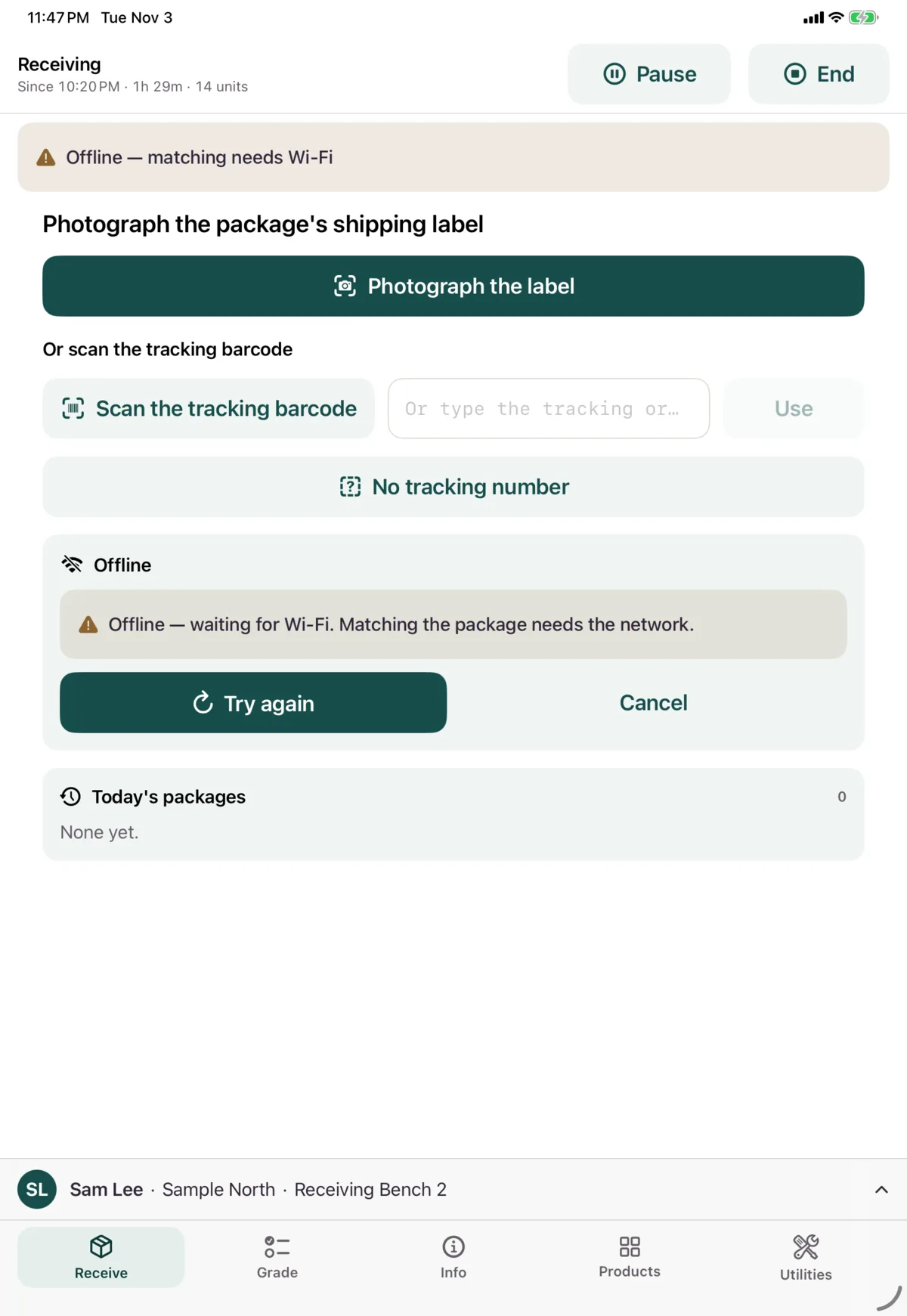
There’s no general offline indicator. You’ll see the pending count rise, and messages on screens that need a connection.
When something needs attention
If Nok has trouble being reached, Nok Snap keeps retrying by itself, and nothing is dropped. Queued work survives closing the app.
If Nok refuses something, the bar above the tabs shows N need attention in red. It stays until it’s fixed.
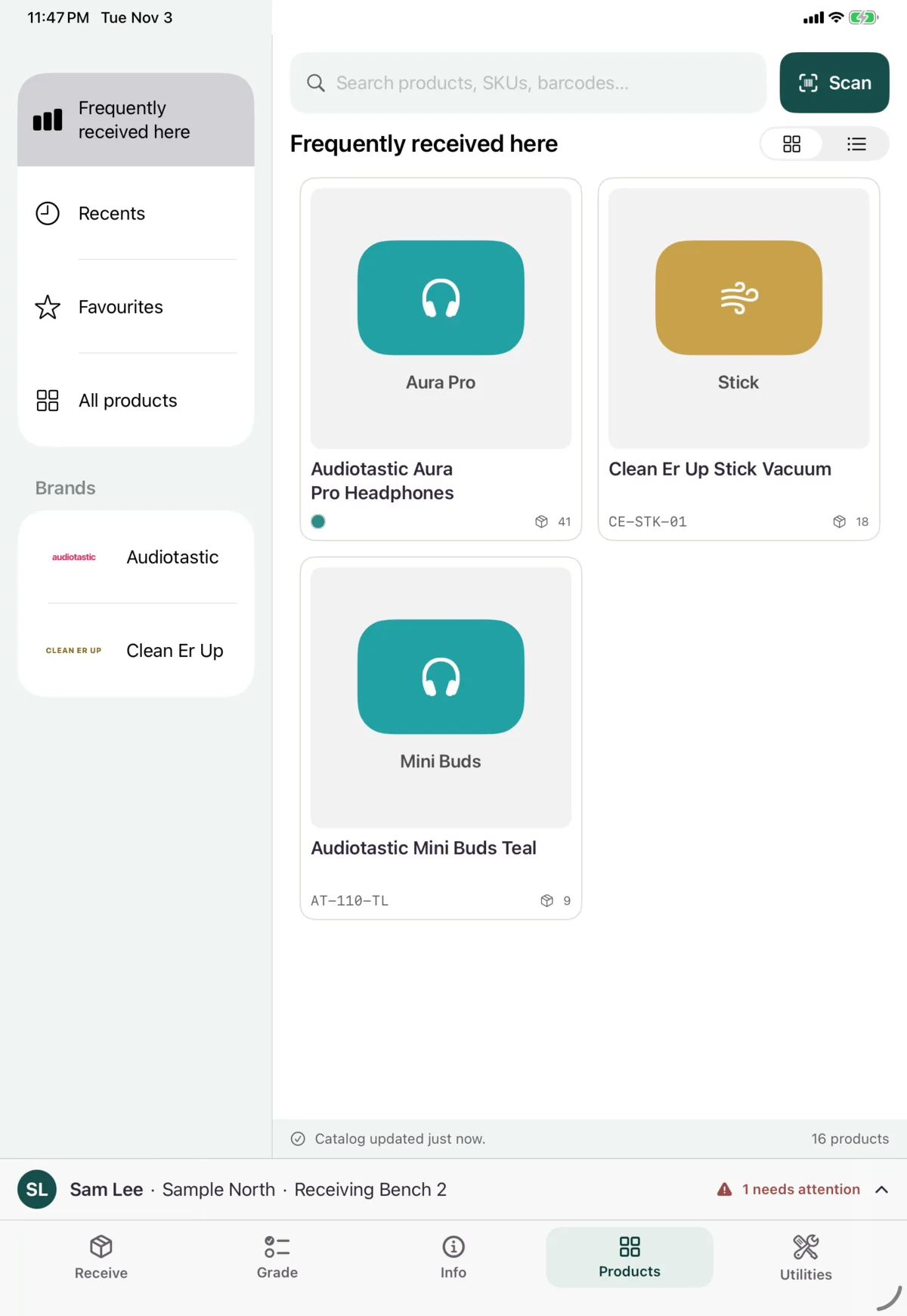
Where to fix it:
| Where you were | Where to look |
|---|---|
| Receiving | The card on the package, in Today’s packages, with Retry |
| Grading | The Needs fixing card on the Grade tab |
| Anything | Utilities → Diagnostics, with Retry |
A refused item holds up items queued after it, which show as blocked. Fix the refused one first.
Queued work sends under the worker who did it. If it can’t send within 24 hours after their session ended, it needs attention, and that worker should sign in again.
Next: Messages and what to do