
Look something up
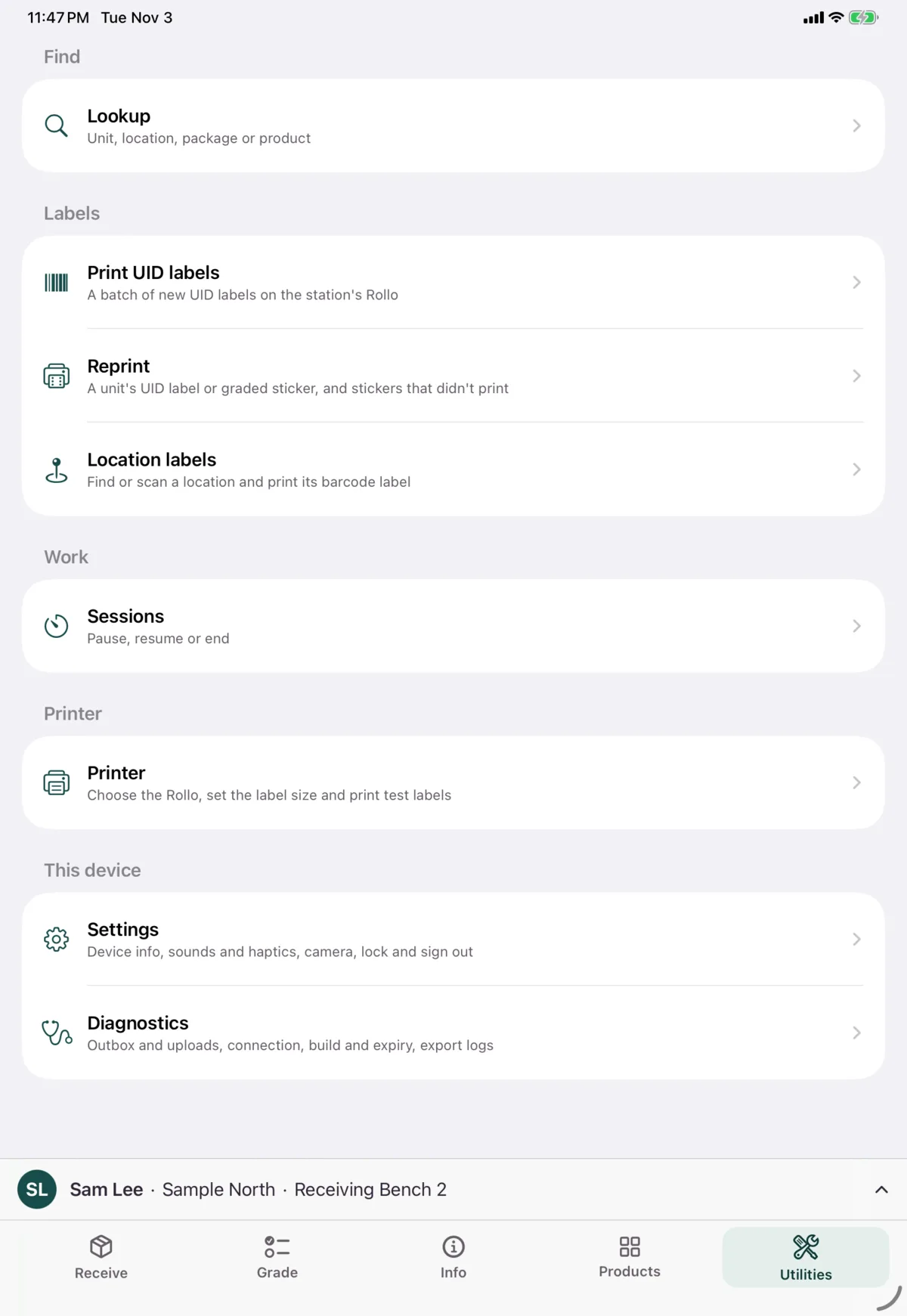
Utilities → Lookup tells you what any code is: a unit, a location, a package or a product. It’s read-only, and it needs a connection.
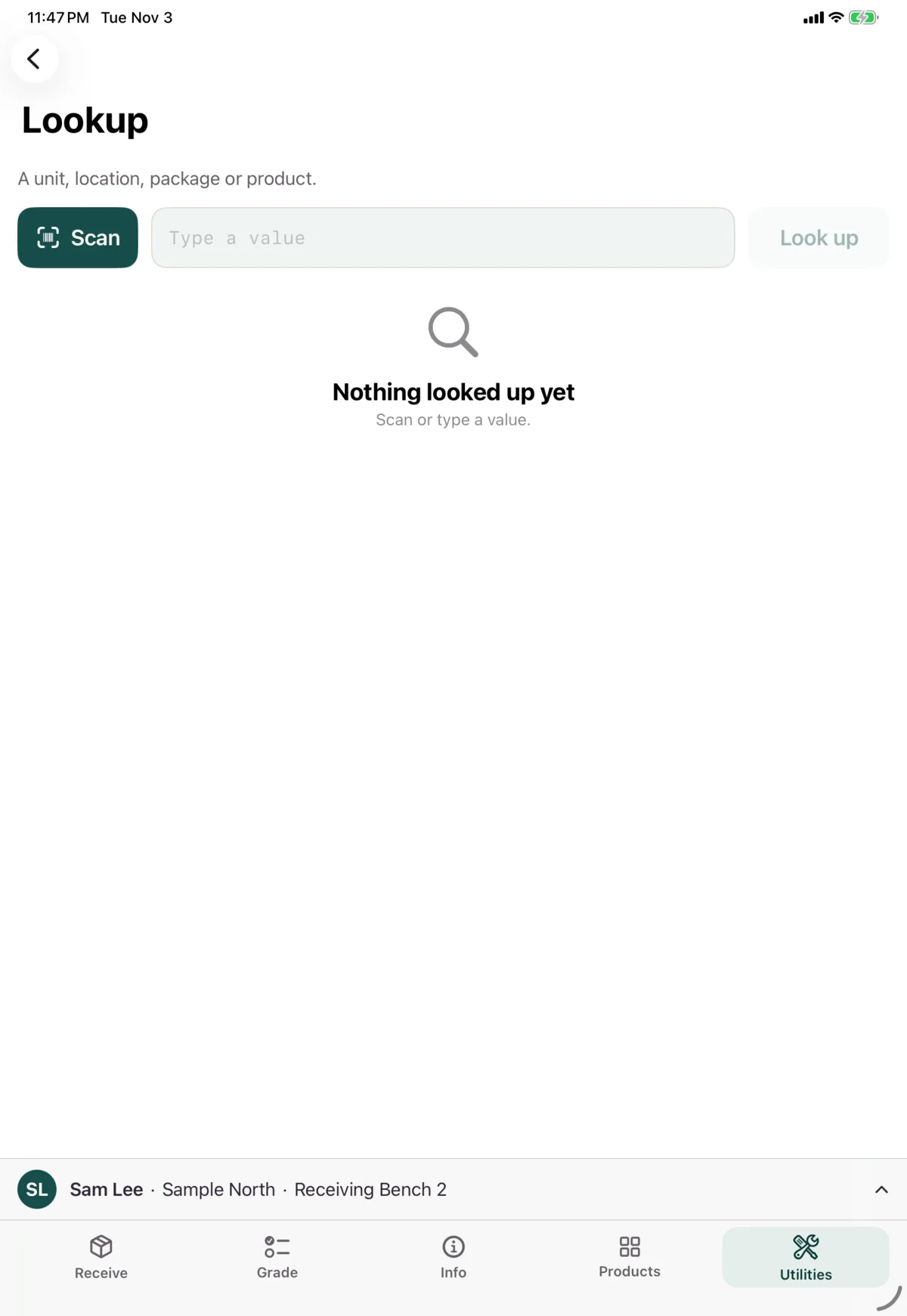
Tap Scan, or type the code and tap Look up. A barcode scanner also works.
What you’ll get
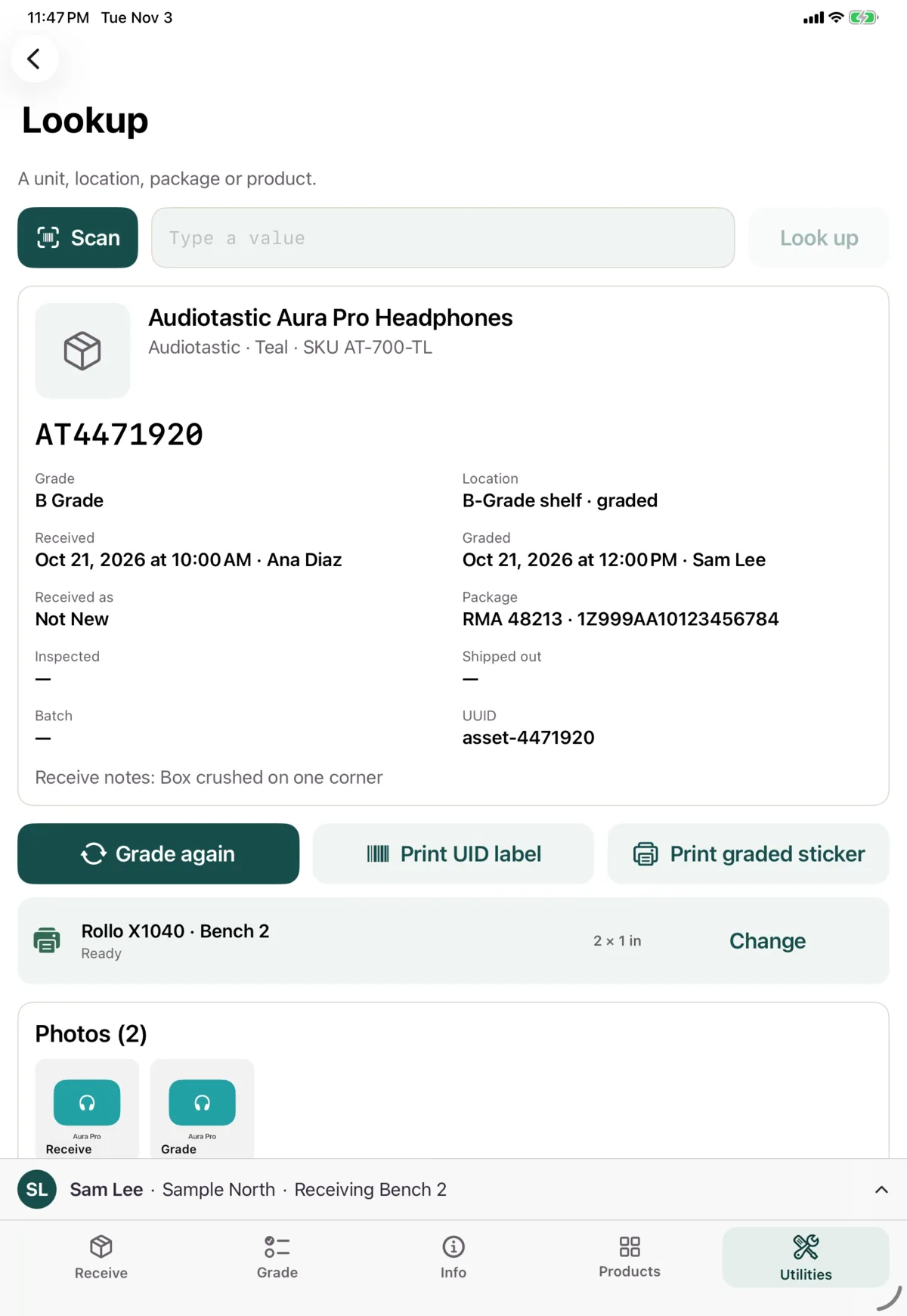
A unit
The same card as the Info tab, with Grade, Print UID label and Print graded sticker.
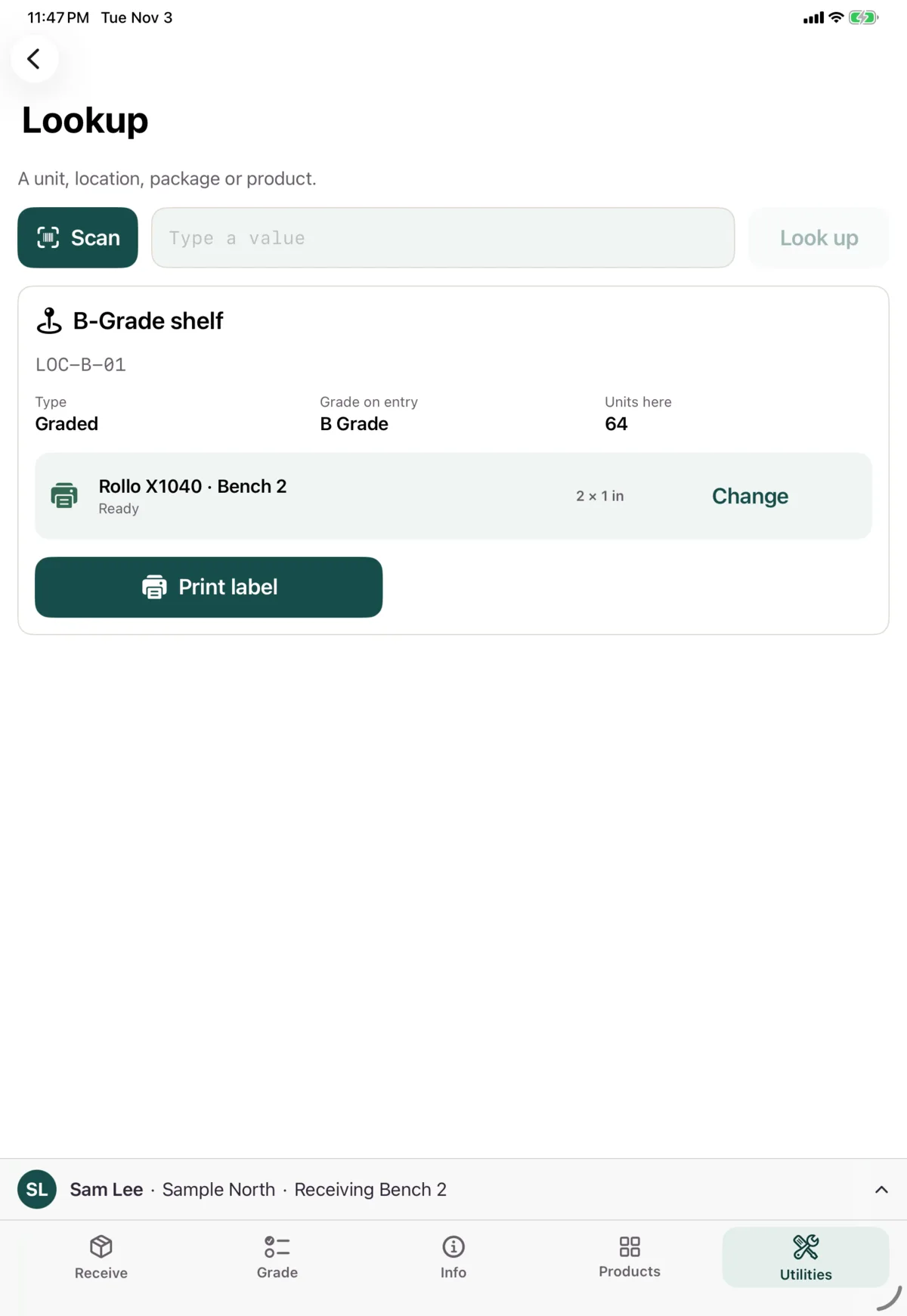
A location
Its name, barcode, type, the grade it gives units, and how many units are there. Tap Print label to print its label.
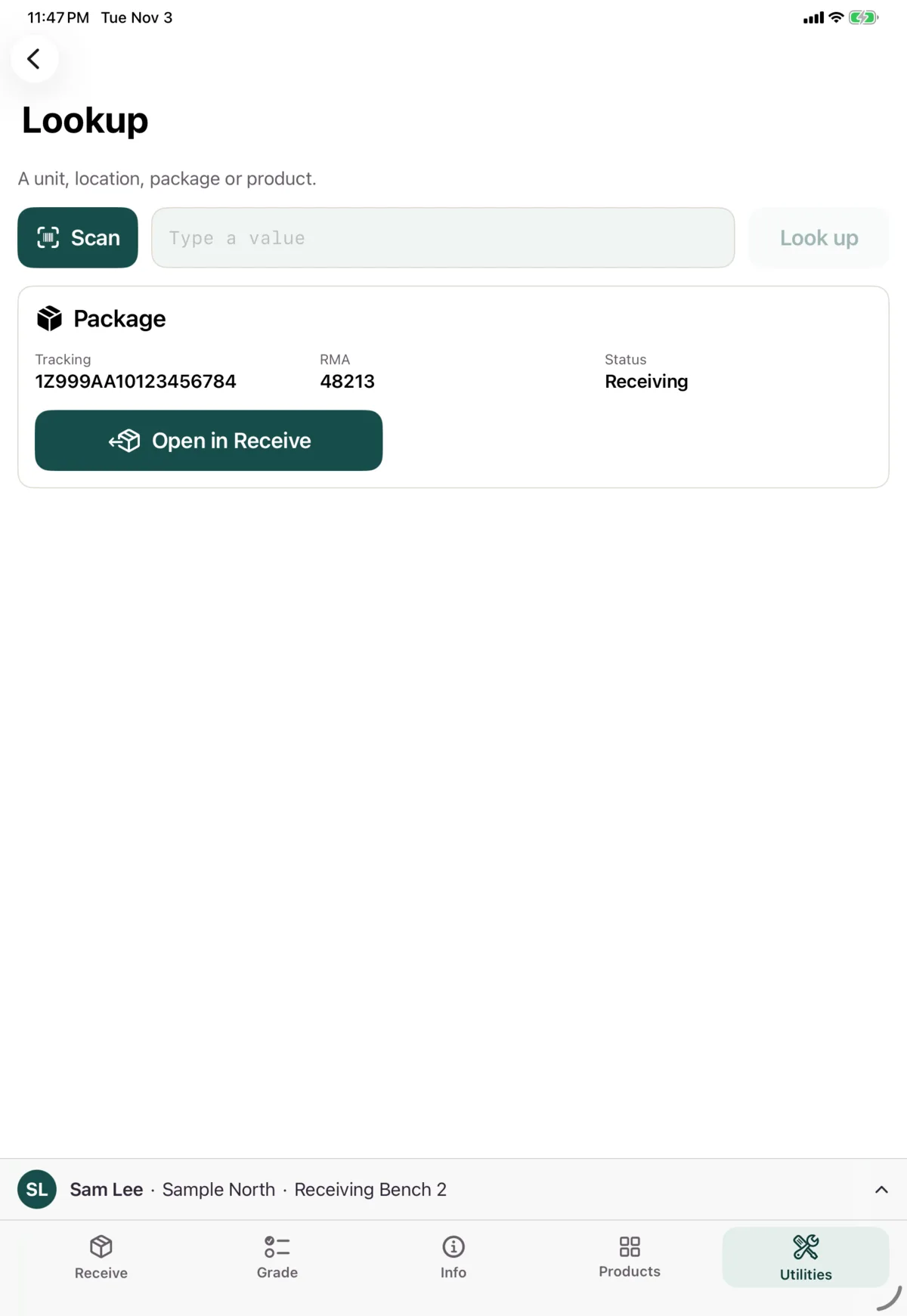
A package
Its tracking number, RMA and status. Open in Receive takes you to it in the Receive tab.
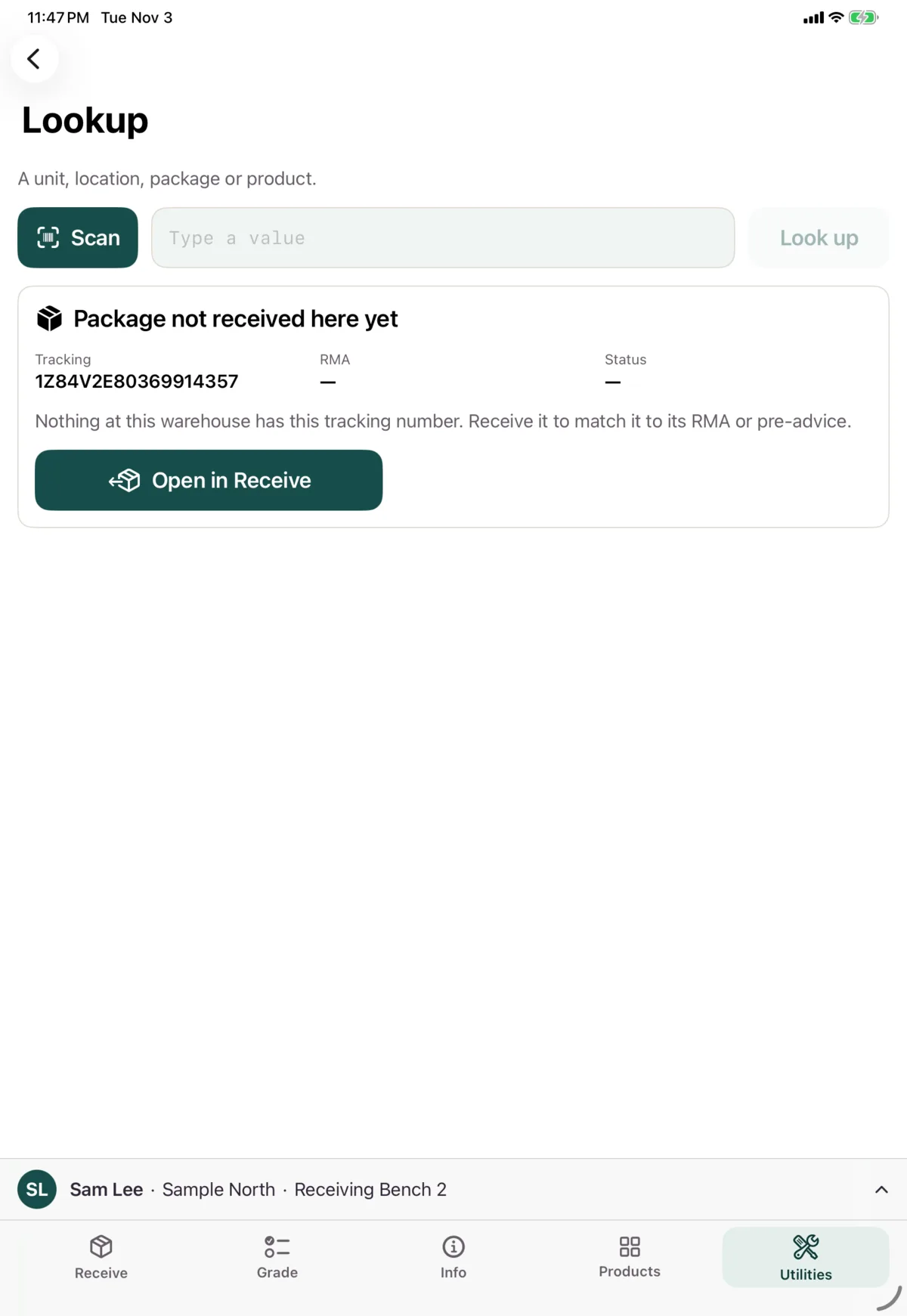
If nothing here has that tracking number, you’ll see Package not received here yet. You can still tap Open in Receive to receive it.
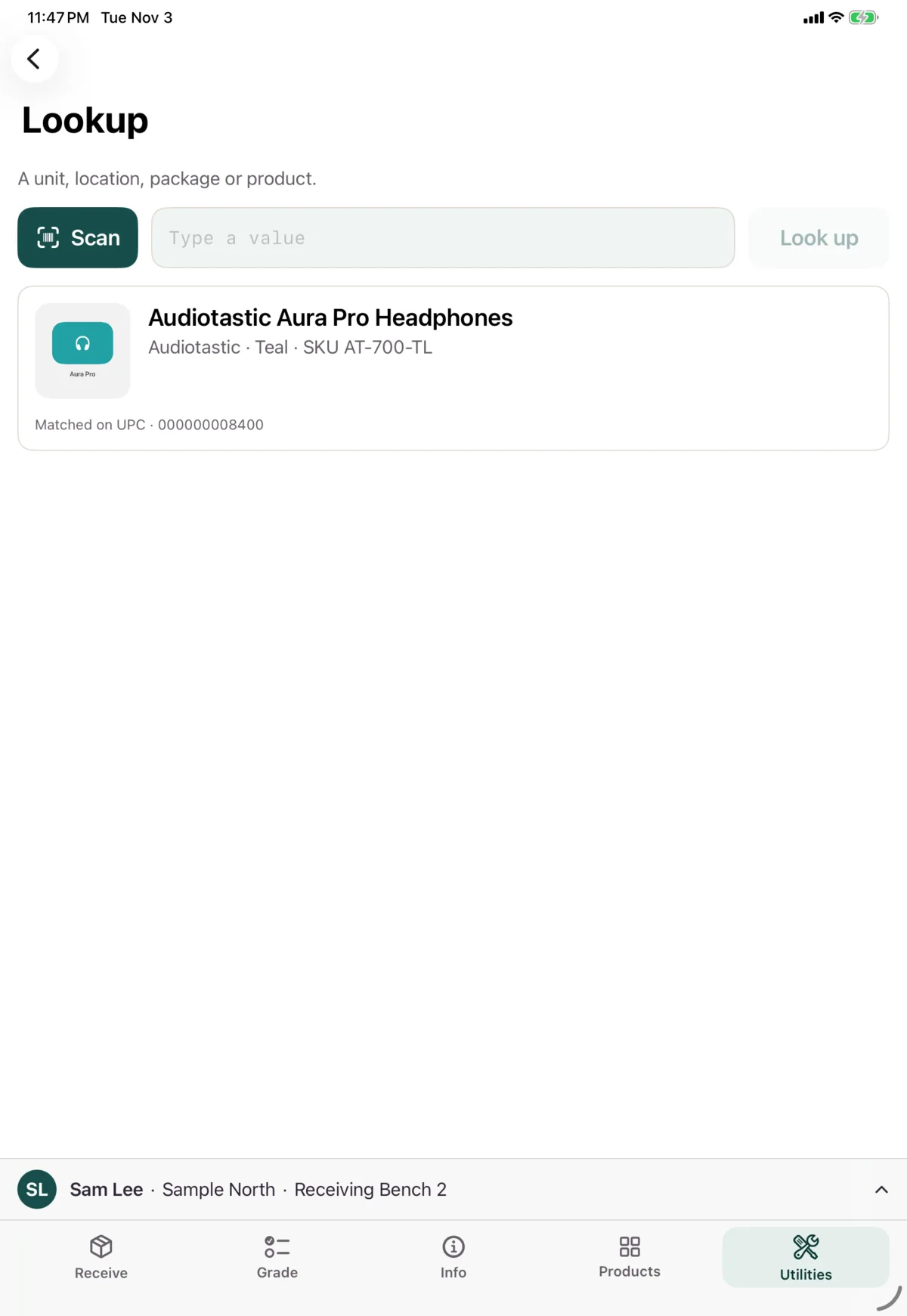
A product
Its name, brand, SKU, and what matched. There are no actions here. To see more, find it on the Products tab.
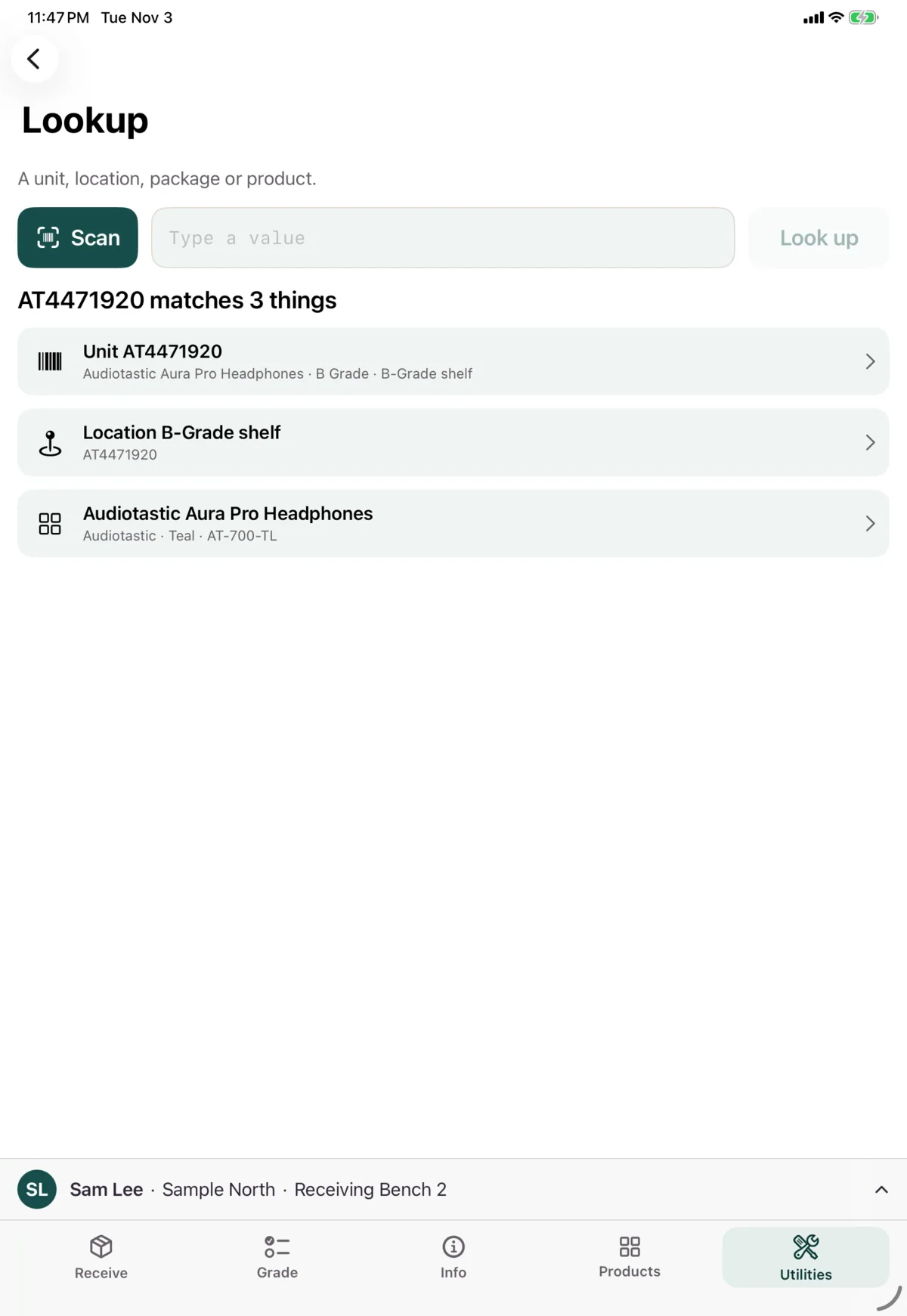
Several things
If a code matches more than one thing, tap the one you want.
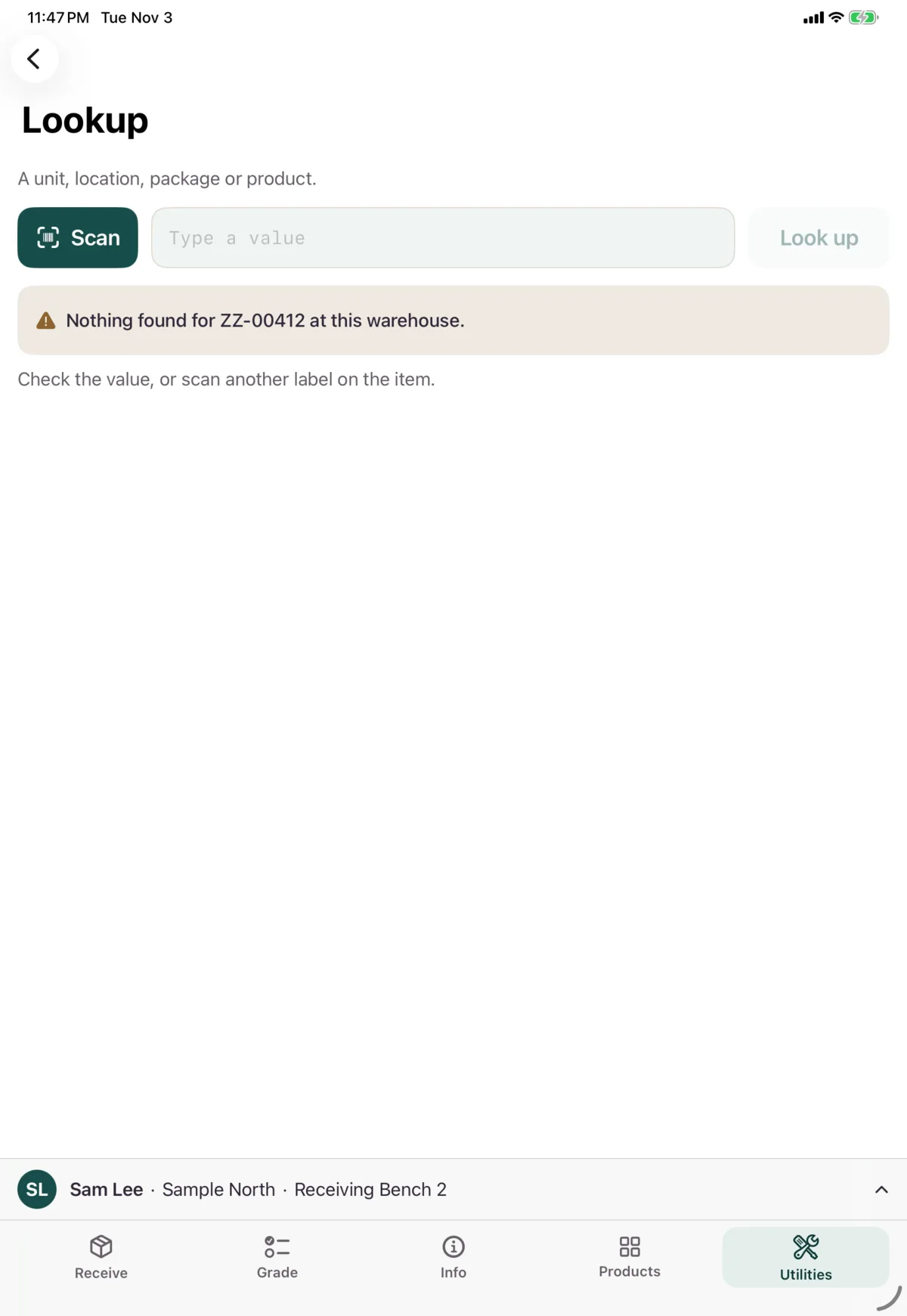
Nothing
Check the value, or scan another label on the item.
It didn’t work
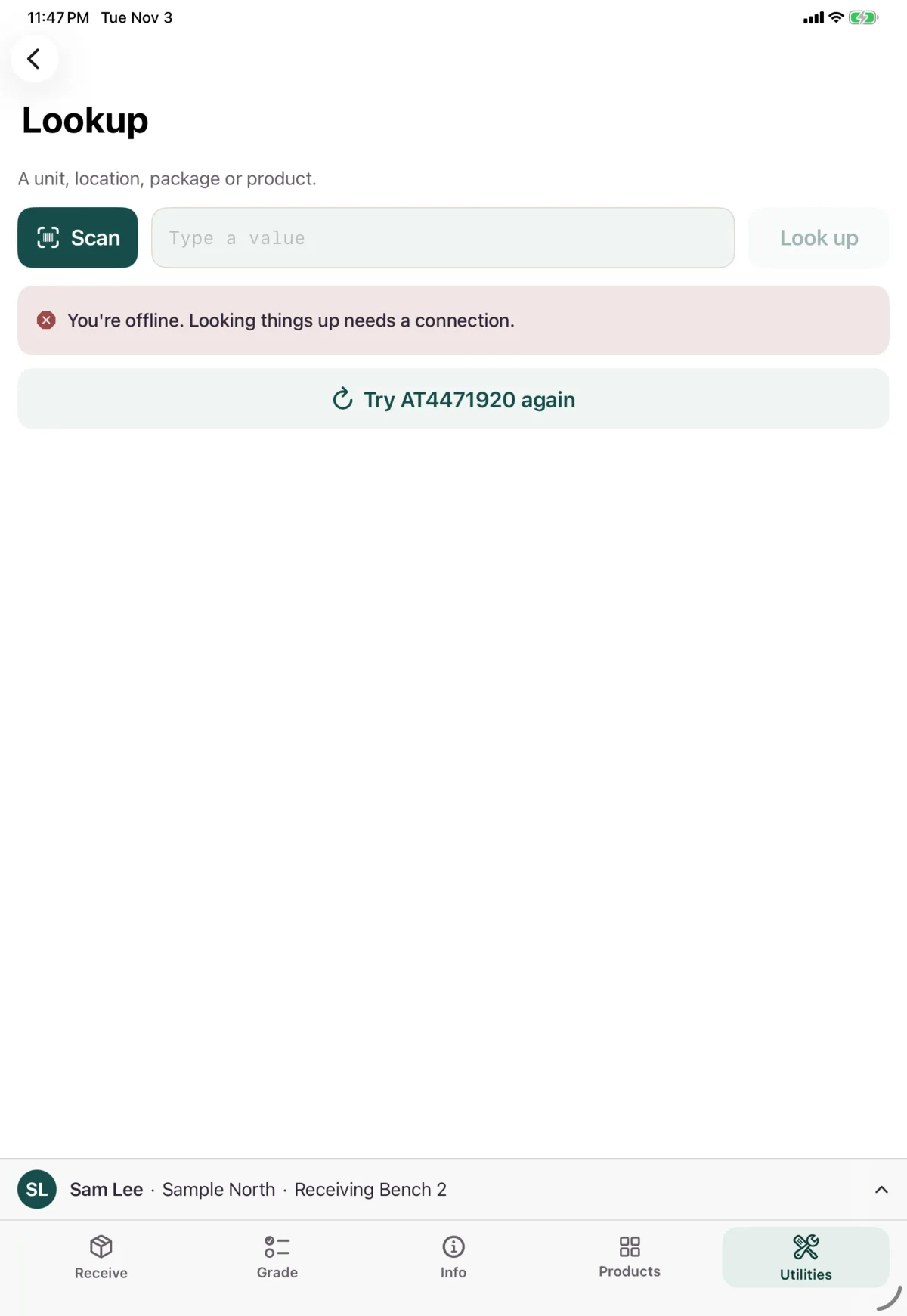
If you’re offline, you’ll see “You’re offline. Looking things up needs a connection.” Tap Try again when you’re back.
Next: Print labels