
Sign in and lock
There’s no email or password on the floor. Each worker has their own PIN of 4 to 6 digits, and everything you do is recorded under your name. Your admin gives you your PIN.
Sign in
Enter your PIN. It signs you in when you’ve typed the full PIN, or you can tap the arrow.
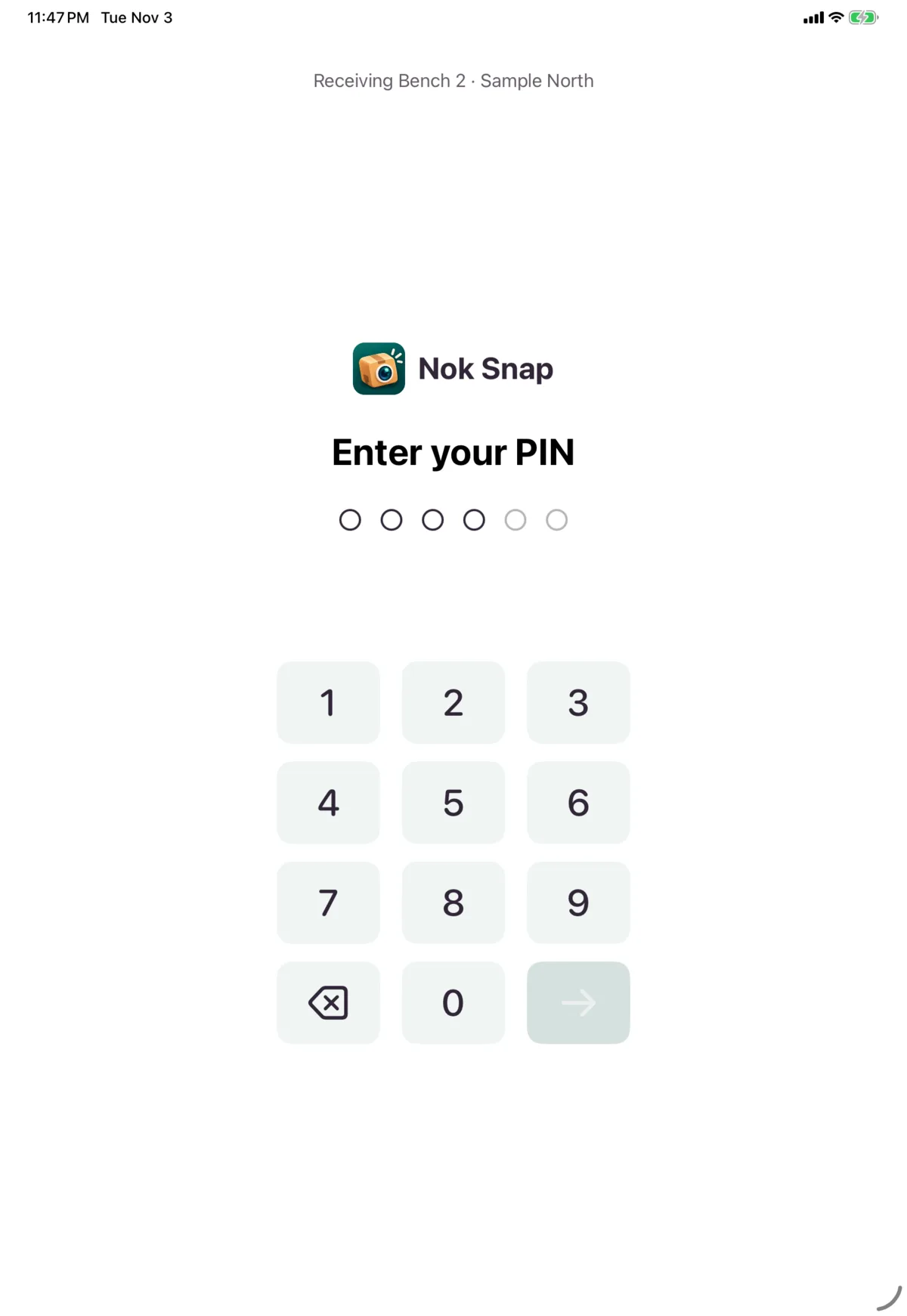
Signing in needs a connection, including unlocking a device you’re already signed in on.
Wrong PINs
After too many wrong PINs, the keypad pauses and counts down until you can try again.
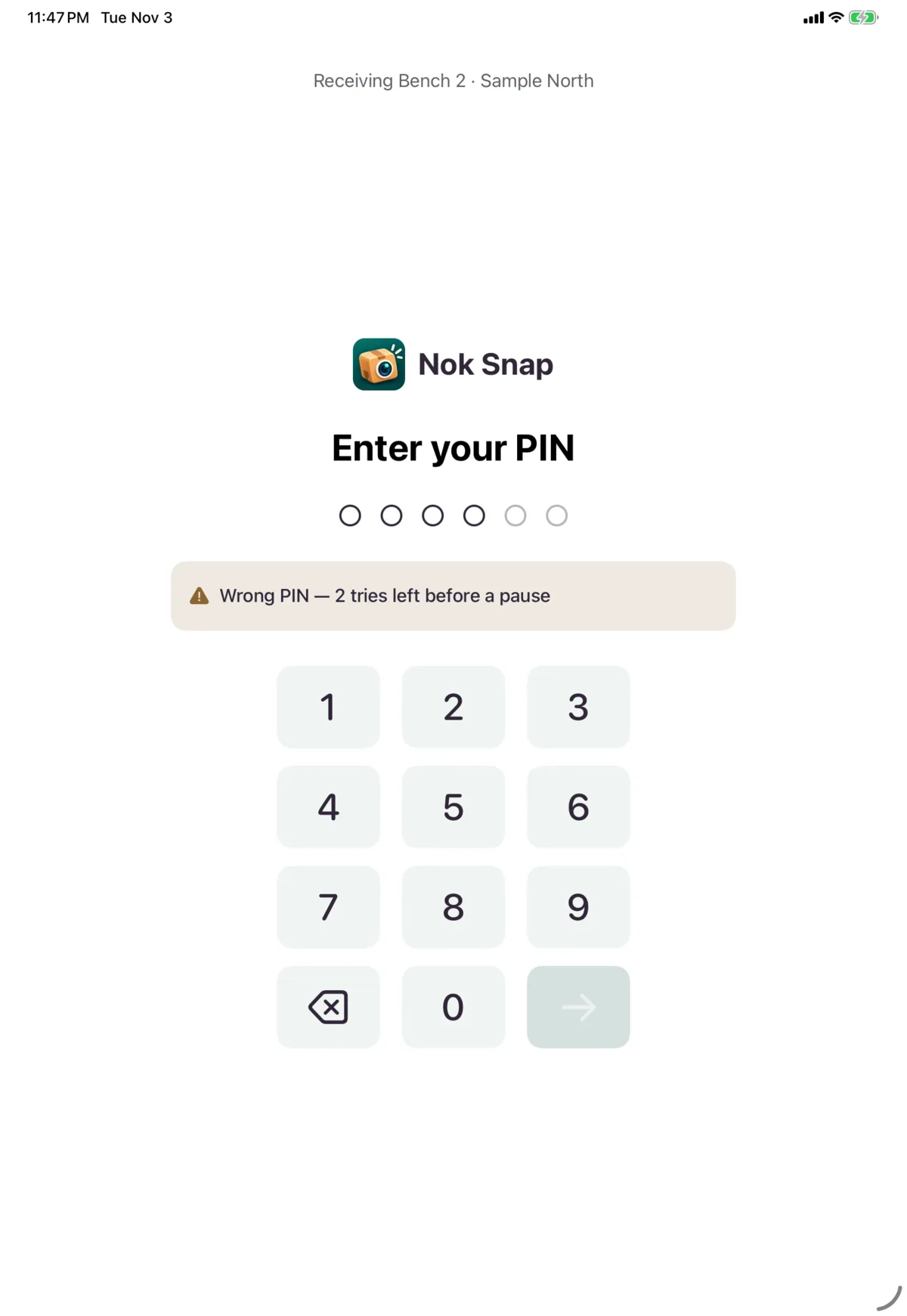
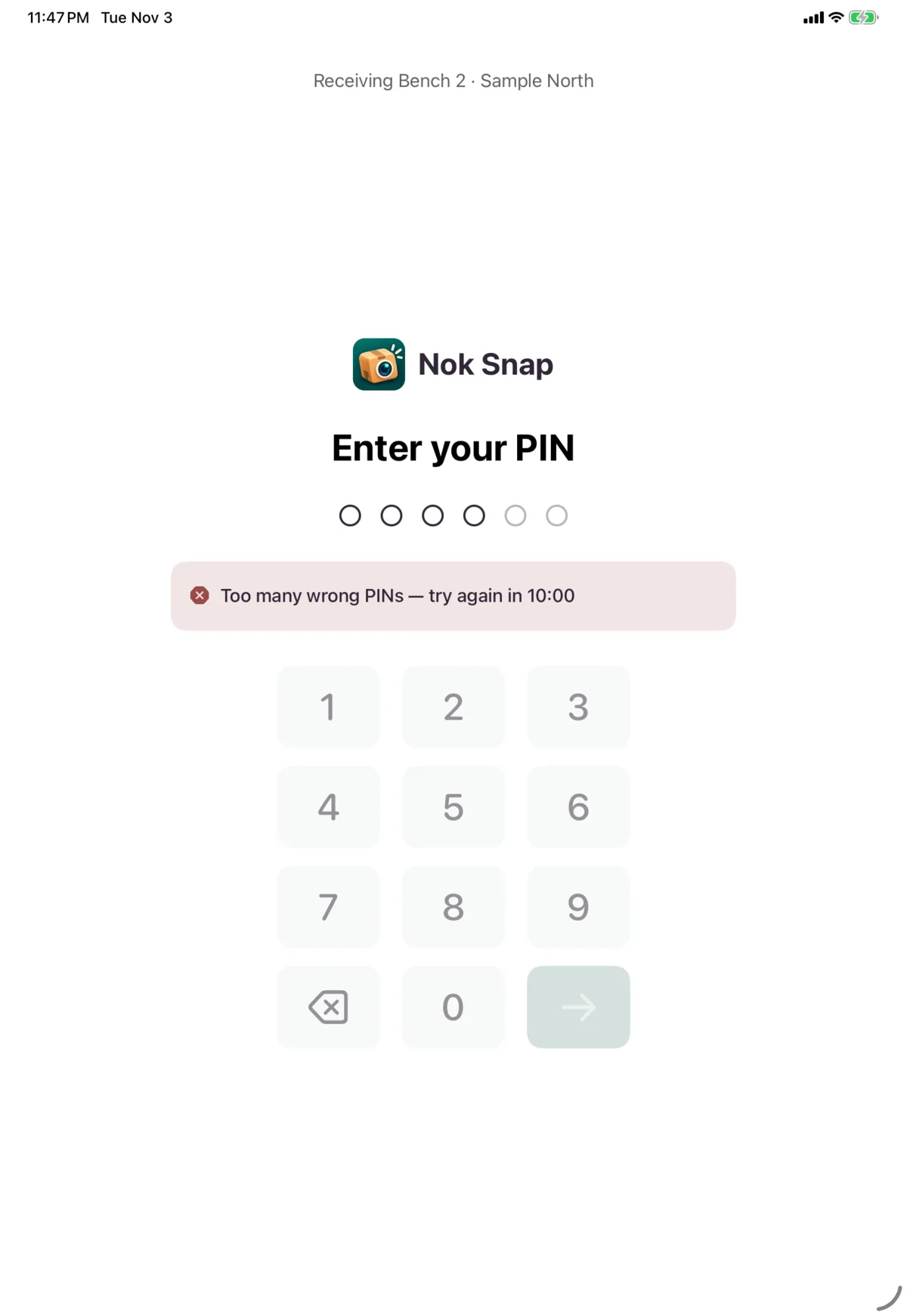
| Message | What to do |
|---|---|
| Wrong PIN, with the tries left before a pause | Try again carefully |
| Too many wrong PINs, with a countdown | Wait for the countdown |
| This worker is suspended. Ask an admin to restore them in the Nok portal. | Ask your admin |
| You’re not assigned to this warehouse | Ask your admin |
| Can’t reach Nok. Check the Wi-Fi and try again. | Fix the connection |
Lock the device
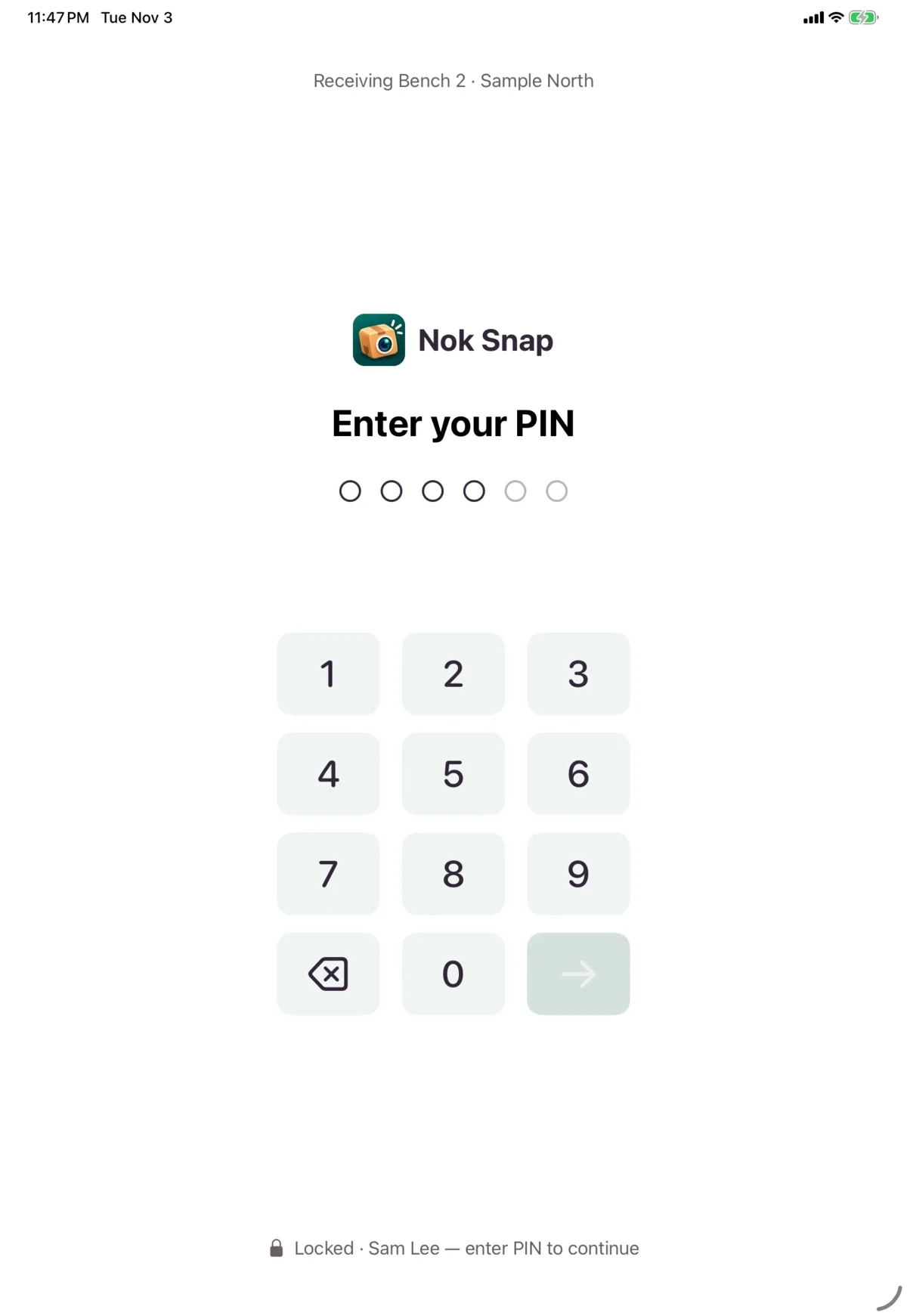
Tap the bar above the tabs and choose Lock, or use Utilities → Settings → Lock.
The device also locks itself after a few minutes without a touch. Your warehouse sets how long. Locking keeps your session open, and your PIN unlocks it.
Sign out
Tap the bar above the tabs and choose Sign out, which happens straight away. Utilities → Settings also has Sign out, and that one asks you to confirm.
Work you’ve queued keeps sending under your name after you sign out.
Hand over to another worker
One worker can be signed in on a device at a time. To hand over, lock the device. The next worker enters their PIN and confirms Sign in anyway.
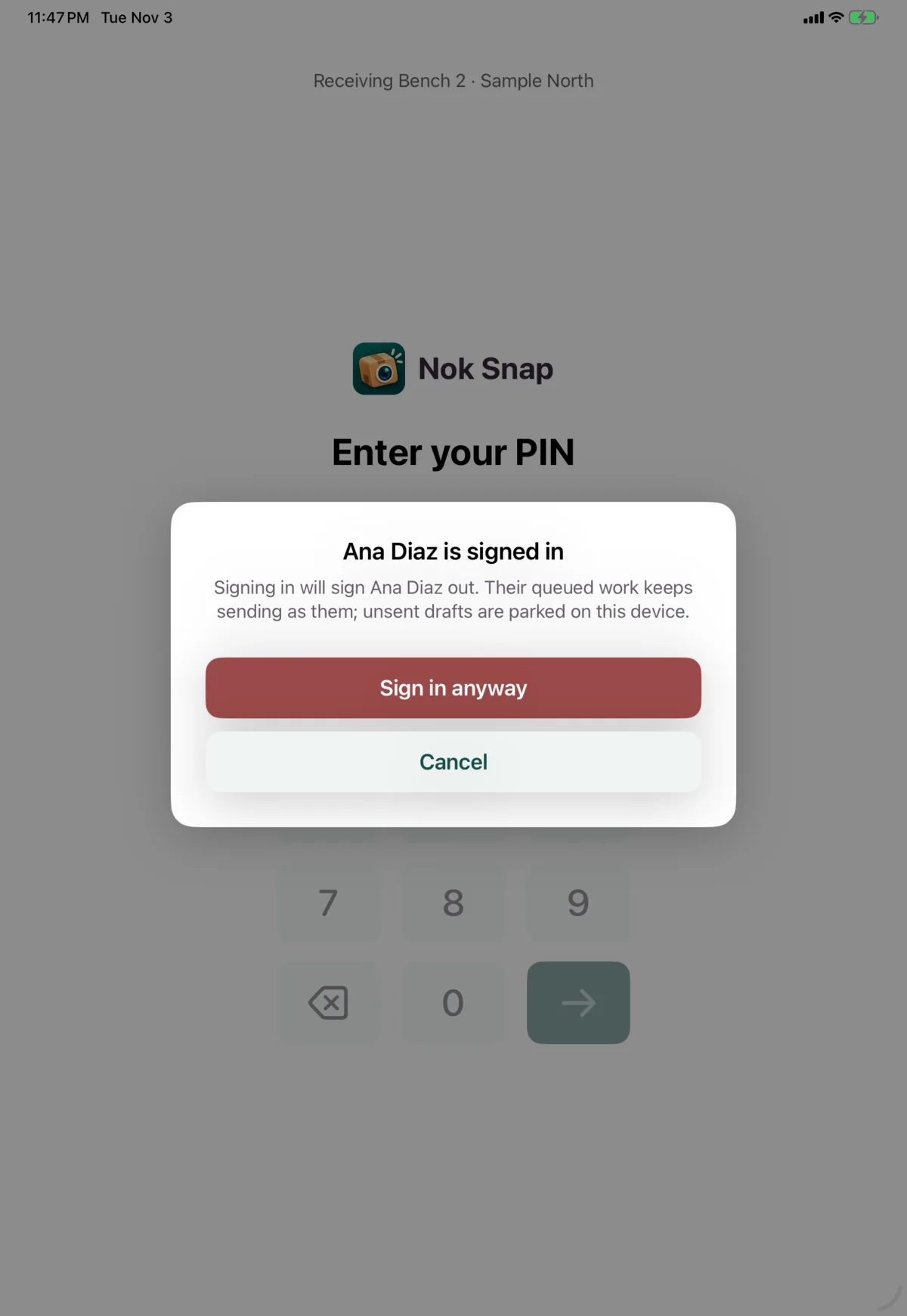
The first worker is signed out. Their queued work keeps sending as them, and any unfinished drafts are kept on the device for them.
When your session ends by itself
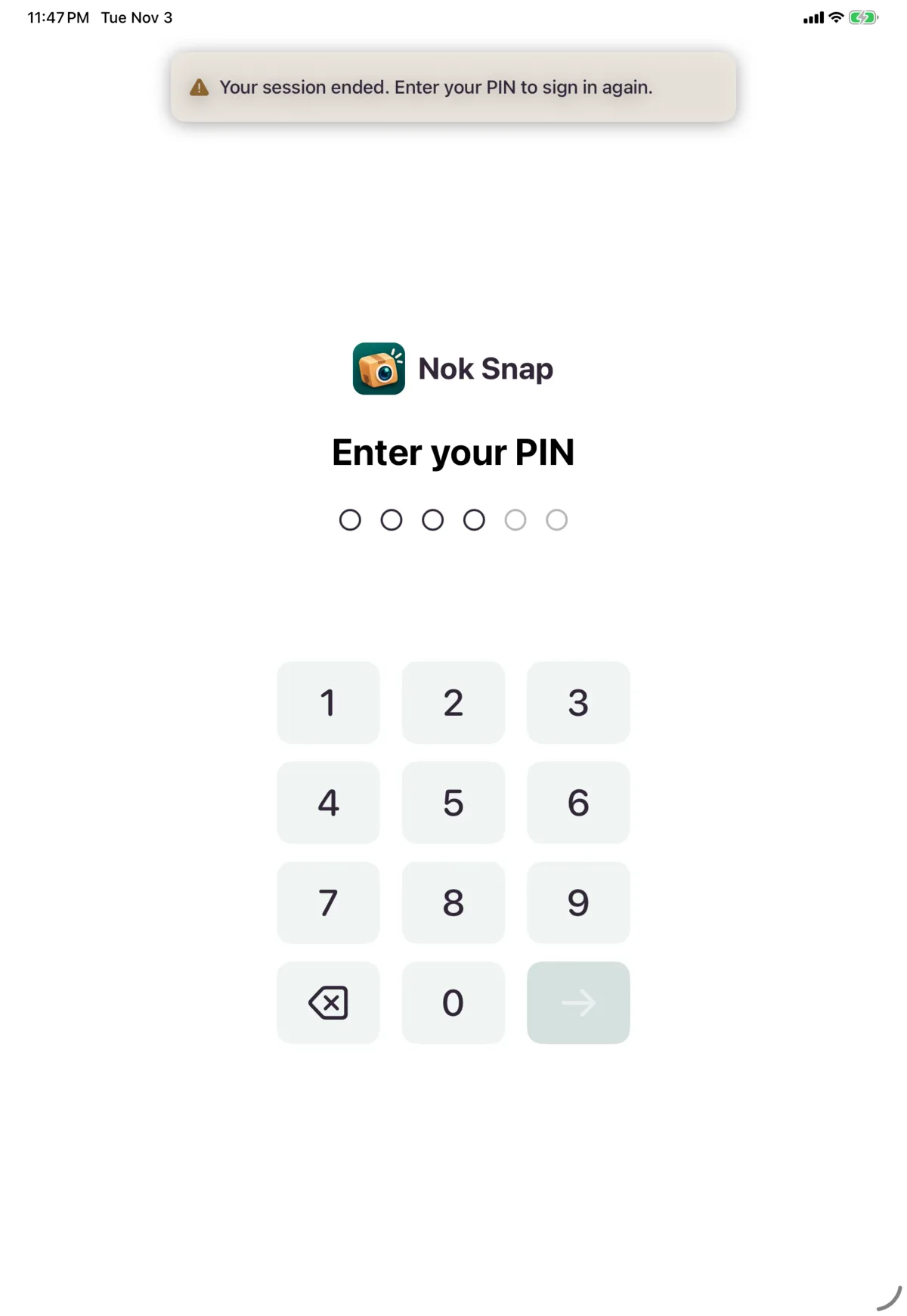
An admin can end a session, and your warehouse sets the longest a shift can run. Fifteen minutes before your shift limit, a banner tells you when it is, so you can finish the unit you’re on. A unit you haven’t submitted by then may be lost. When a session ends, you’ll see “Your session ended. Enter your PIN to sign in again.”
Next: Receive a package