
Check a unit
The Info tab shows everything about one unit. It’s read-only, so nothing you do here changes the unit. Info needs a connection.
Find a unit
Tap Scan UID, or type the UID or serial and tap Look up. A barcode scanner works here too. Info only finds units. For a location, package or product, use Lookup.
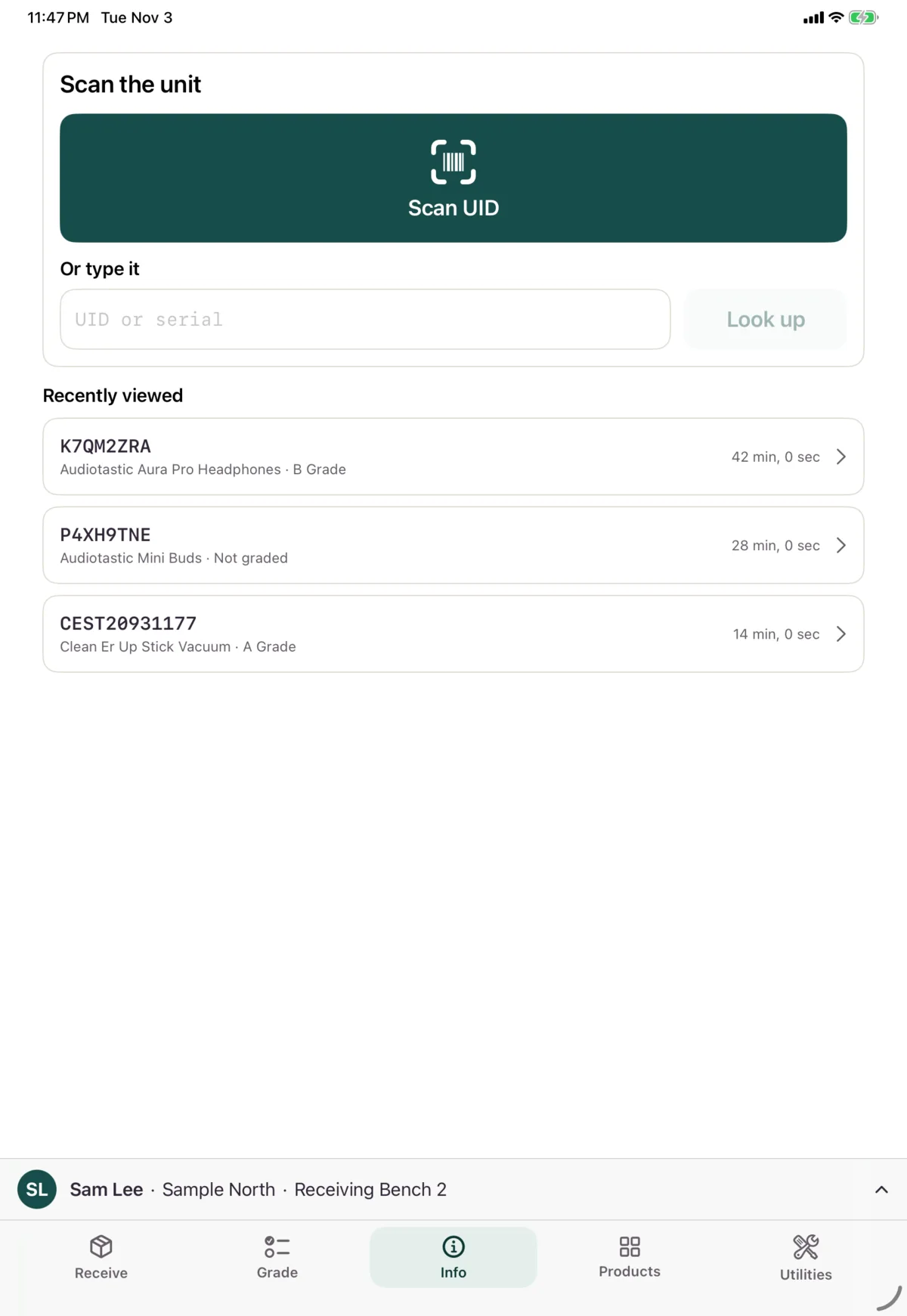
Recently viewed lists the last 5 units you opened on this device. Tap one to open it again.
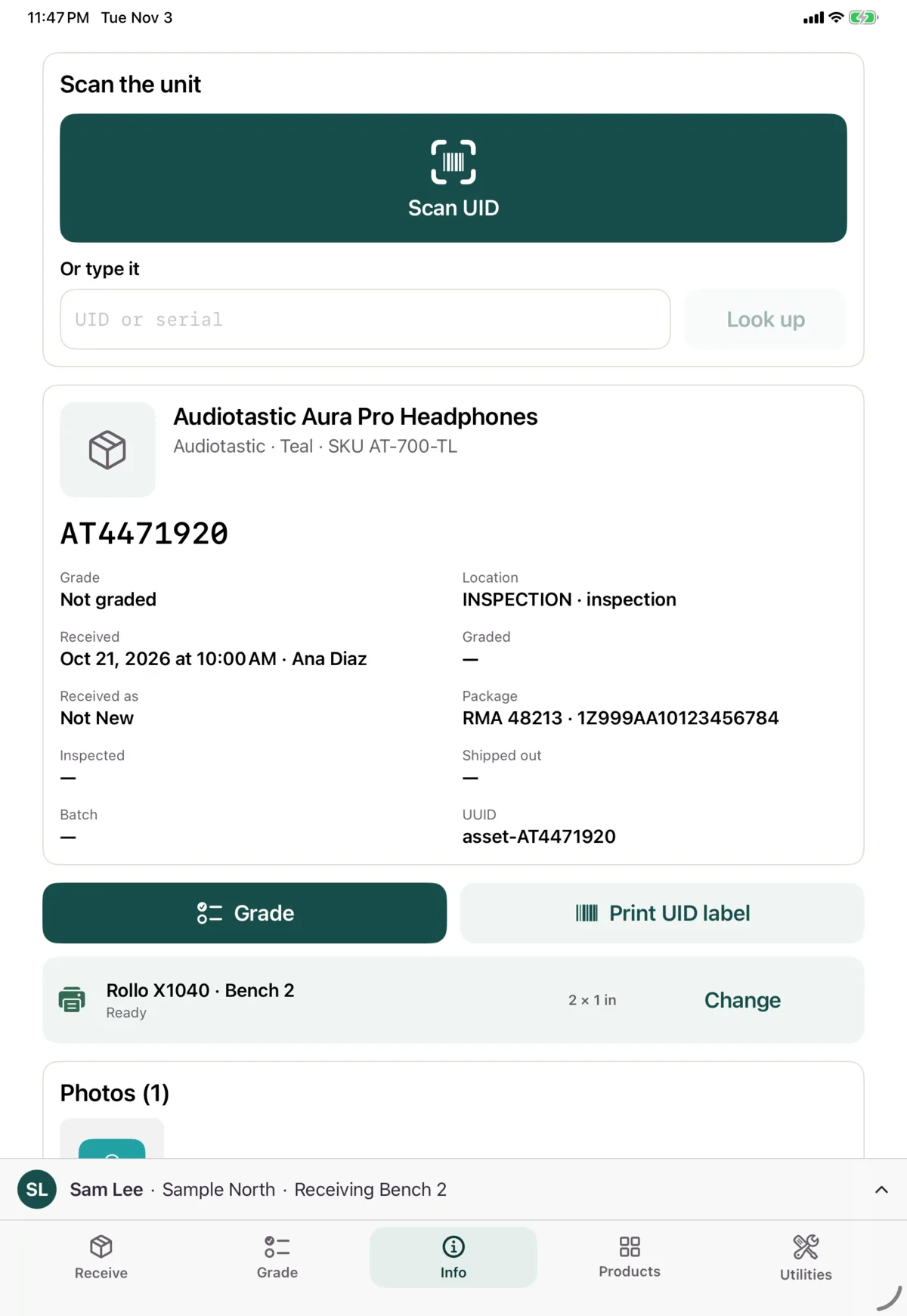
What it shows
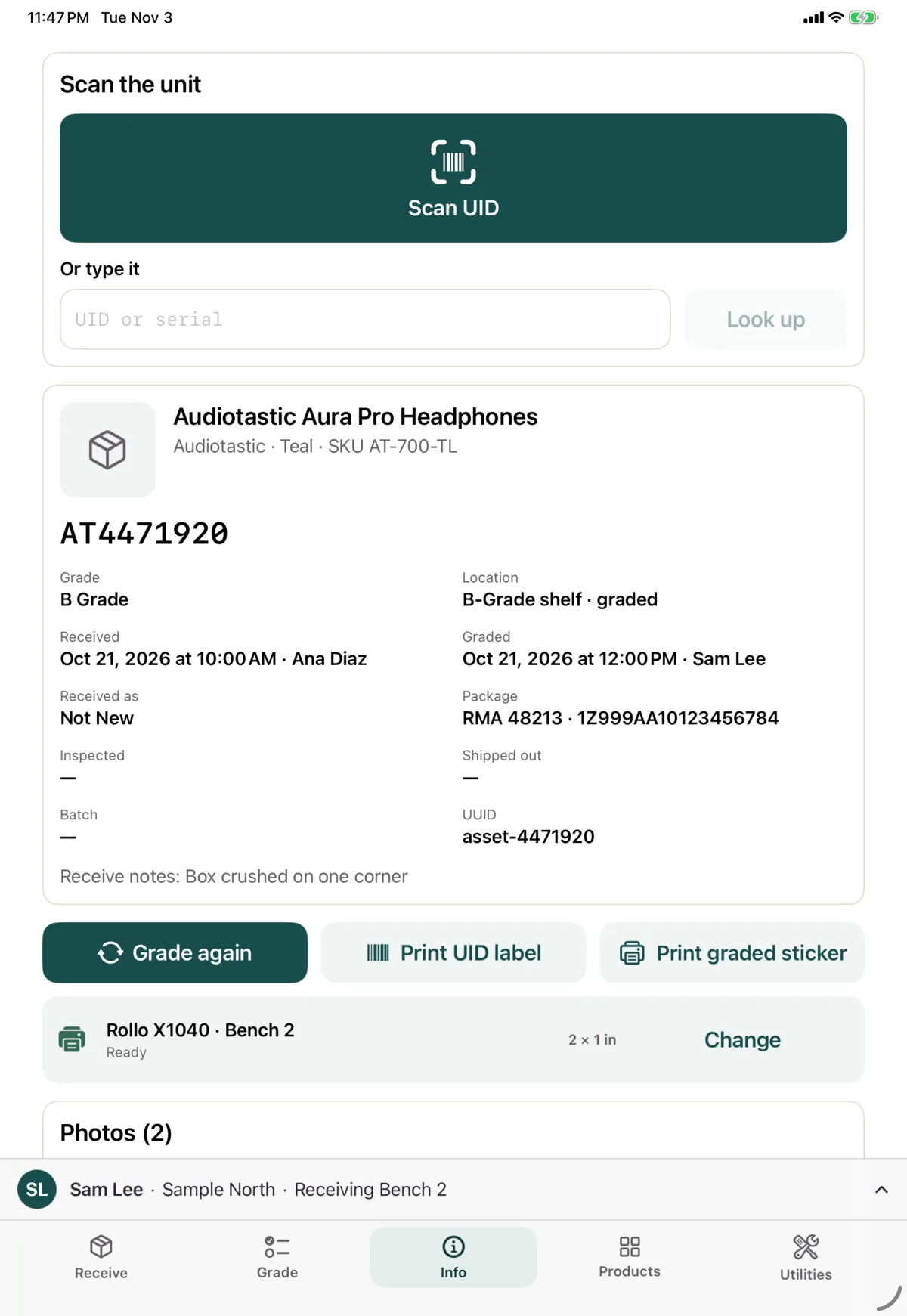
- The product and identity, with its grade, location, when it was received and graded, how it was received, and its package
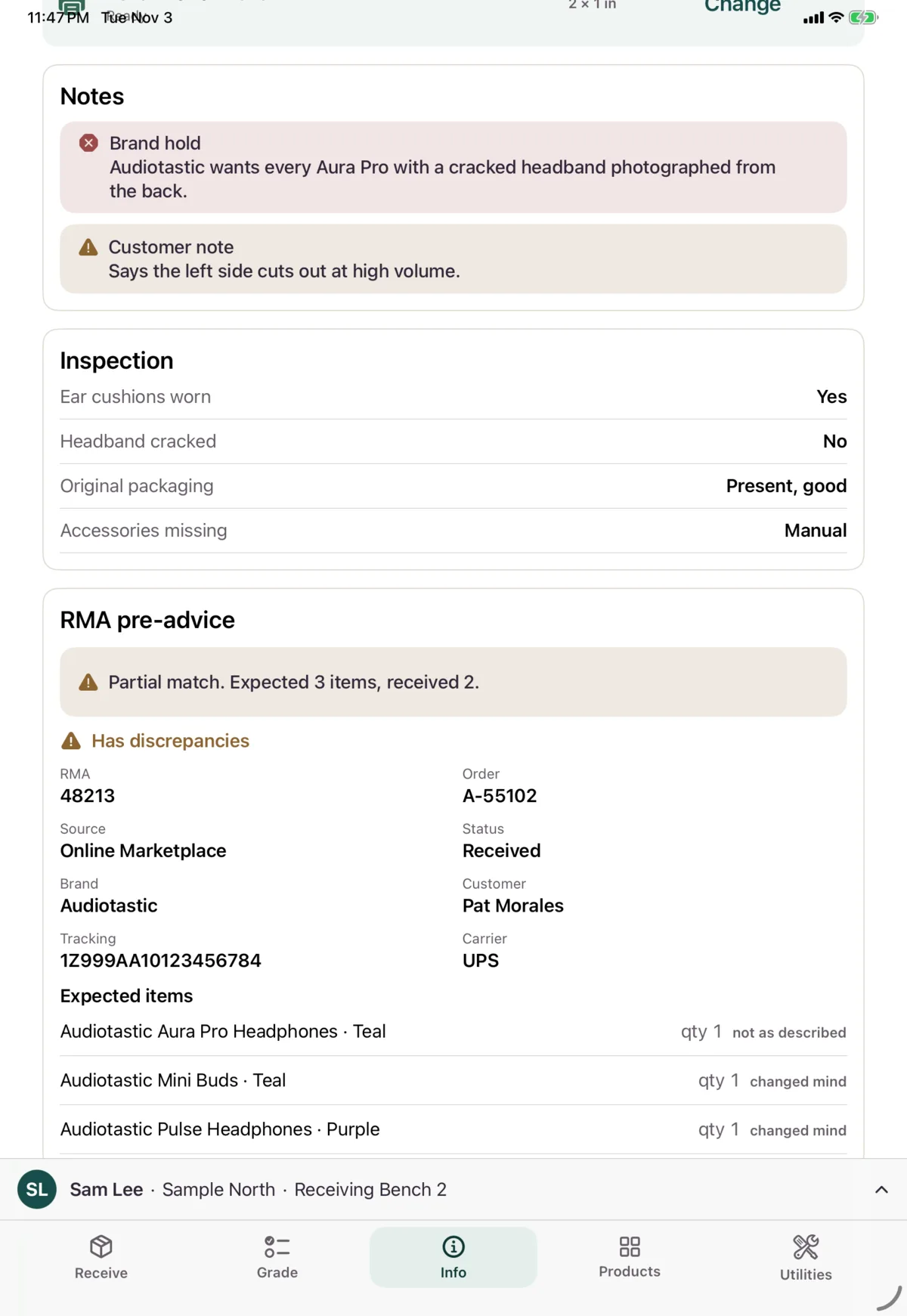
- Notes on the unit
- Inspection answers
- RMA pre-advice, if there was one, and how what arrived compares with what was expected
- Photos from receiving and grading. Tap one to see it full size
- Inspections, with who did each one and when
- Location history
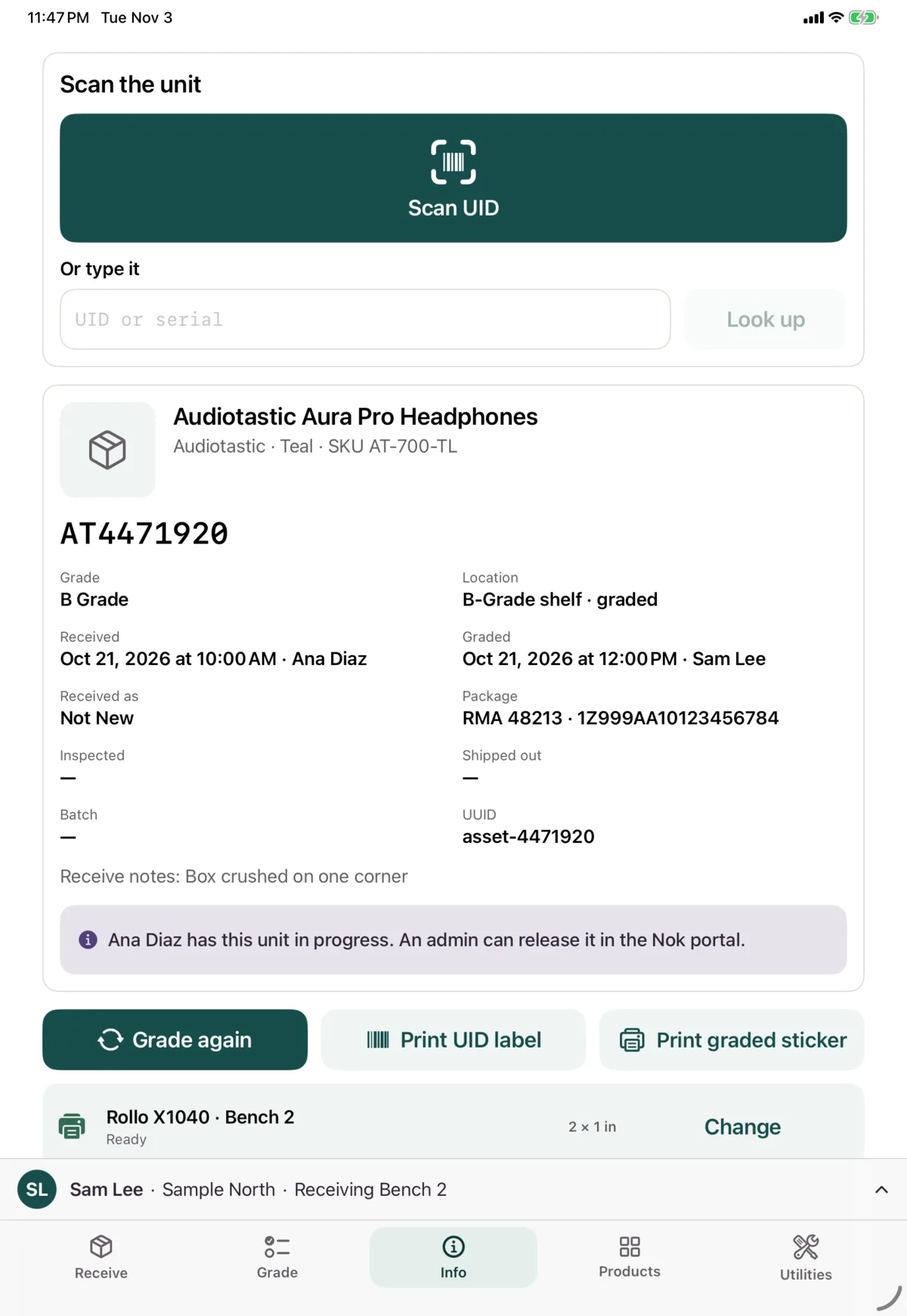
A blue banner says if a unit is being graded now.
What you can do
- Grade, or Grade again, takes you to the Grade tab with this unit
- Print UID label prints its UID label
- Print graded sticker prints its sticker, once it’s been graded
If it isn’t found
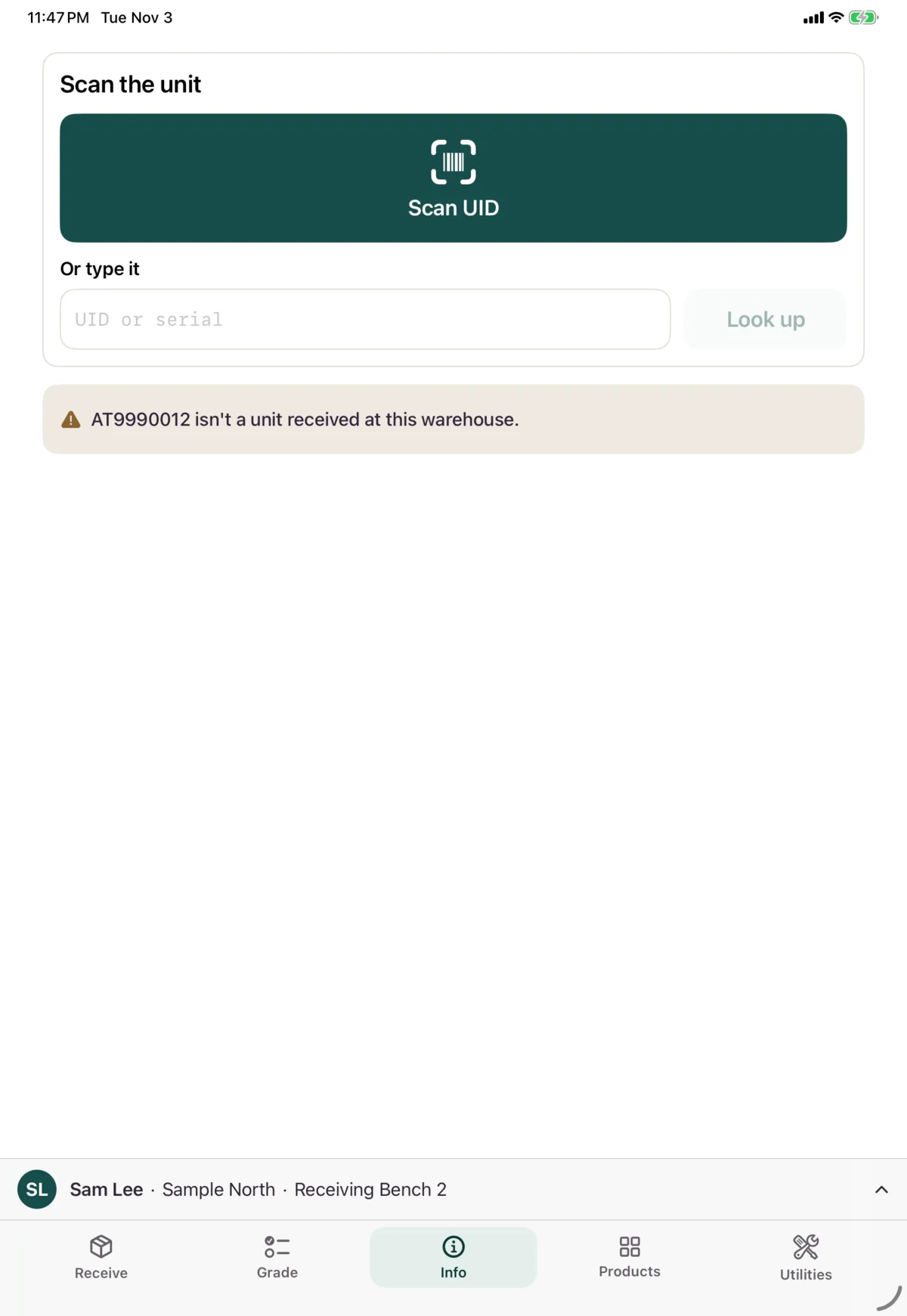
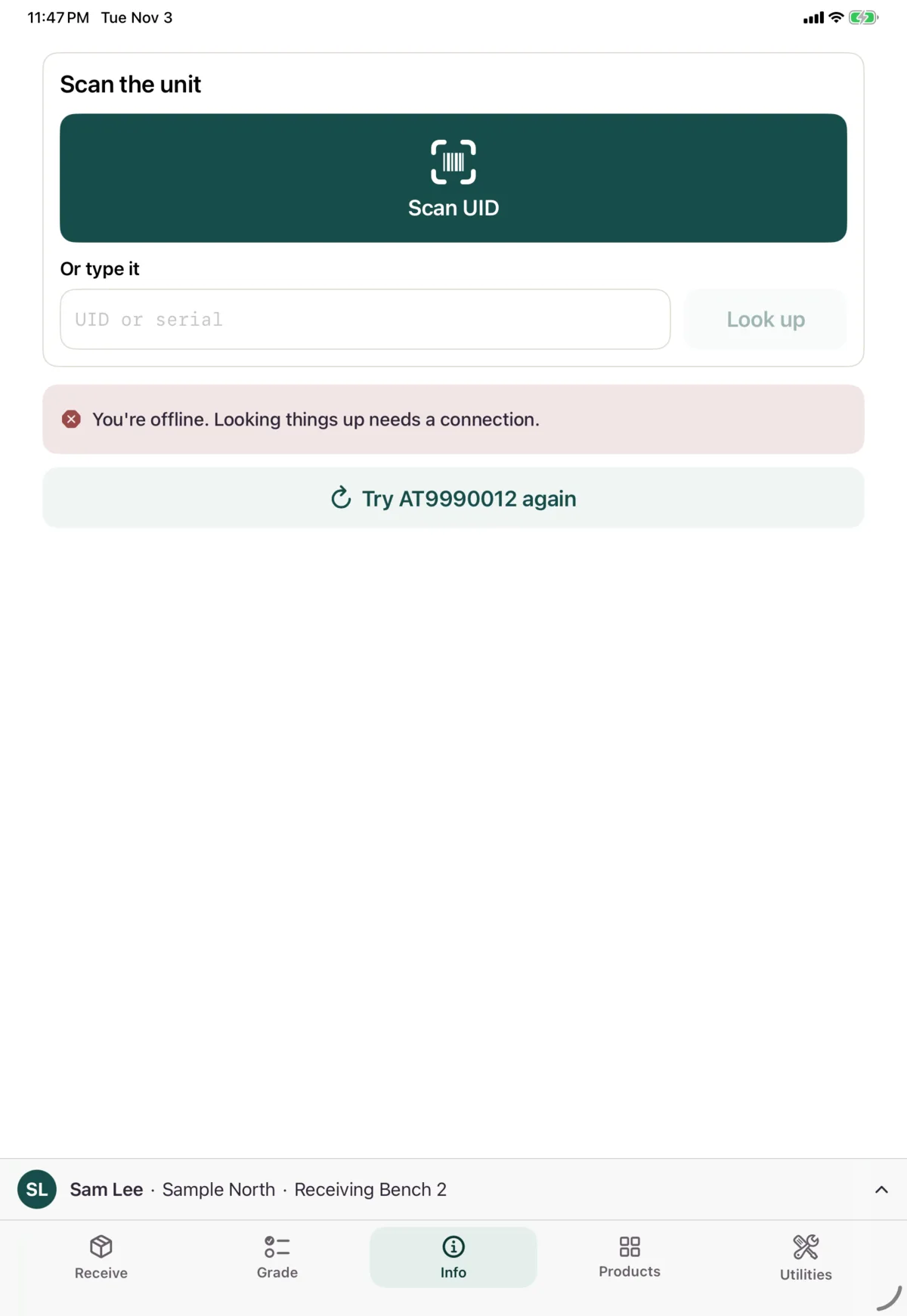
If the unit wasn’t received at this warehouse, you’ll see that it isn’t a unit received here. If you’re offline, you’ll see “You’re offline. Looking things up needs a connection.” Tap Try again once you’re back.
Next: Find a product