
Manage sessions
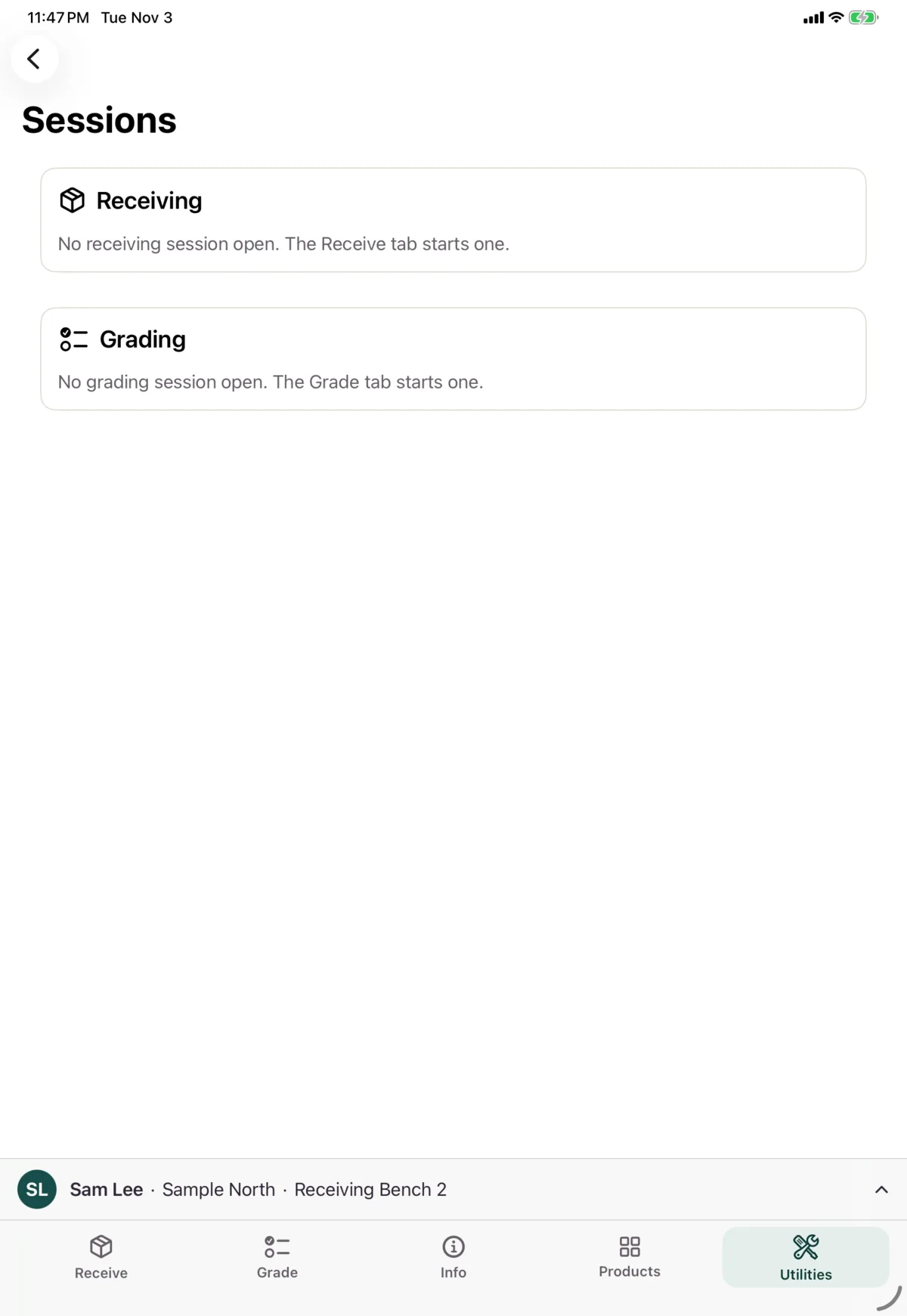
Utilities → Sessions shows your open receiving and grading sessions and their counts. Sessions start from the Receive and Grade tabs, not here. This screen needs a connection.
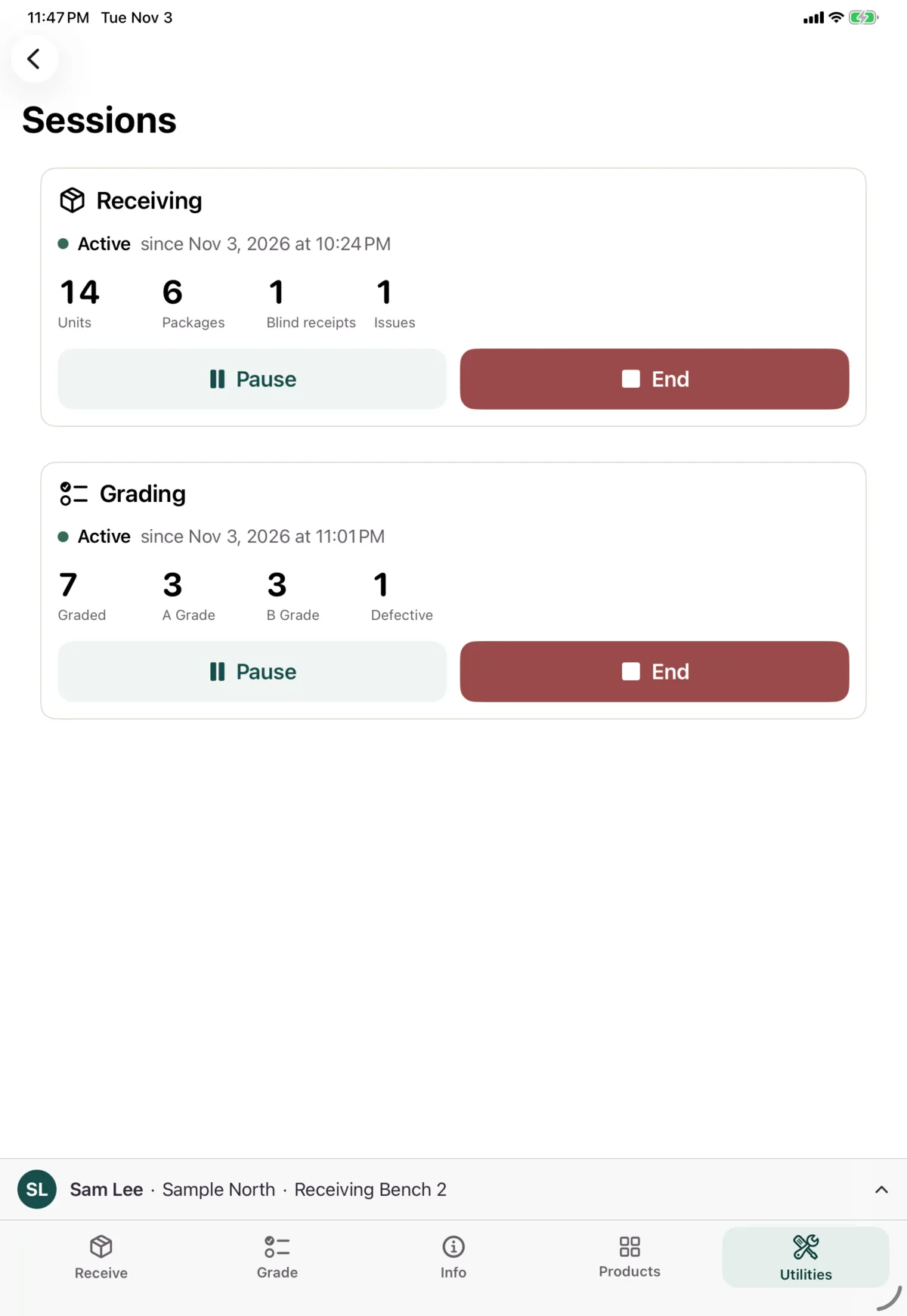
Receiving
The card shows units, packages, blind receipts and issues.
- Pause asks for a reason, with optional notes
- Resume carries on
- End ends the session, with optional notes
Grading
The card shows how many you’ve graded, and how many at each grade.
- Pause lists the reasons. Tap one and it pauses straight away
- Resume carries on
- End asks you to confirm. Units you’ve graded stay graded, and queued grades still send
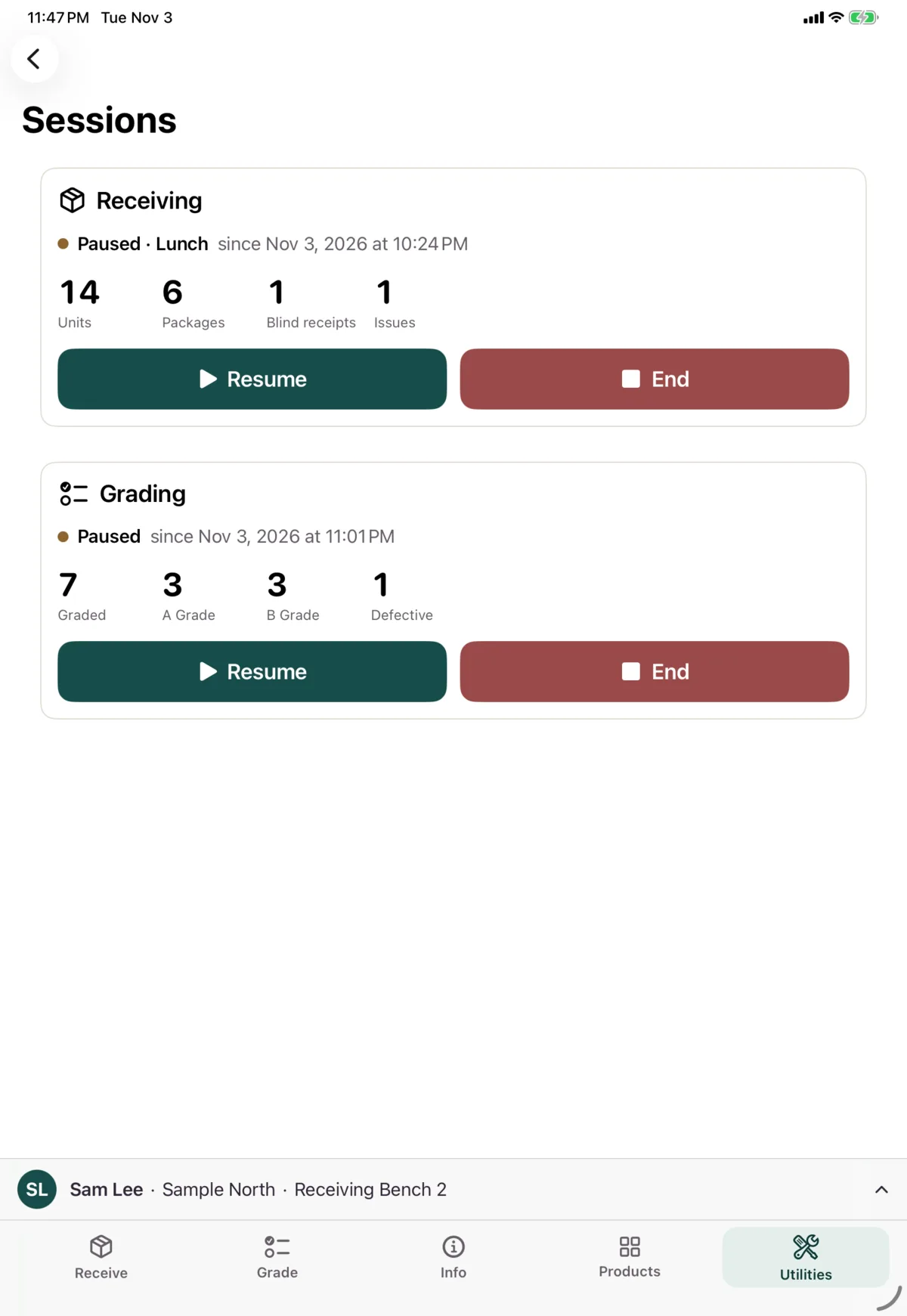
A paused session follows you. Sign in on another device at the same warehouse and you can resume it there.
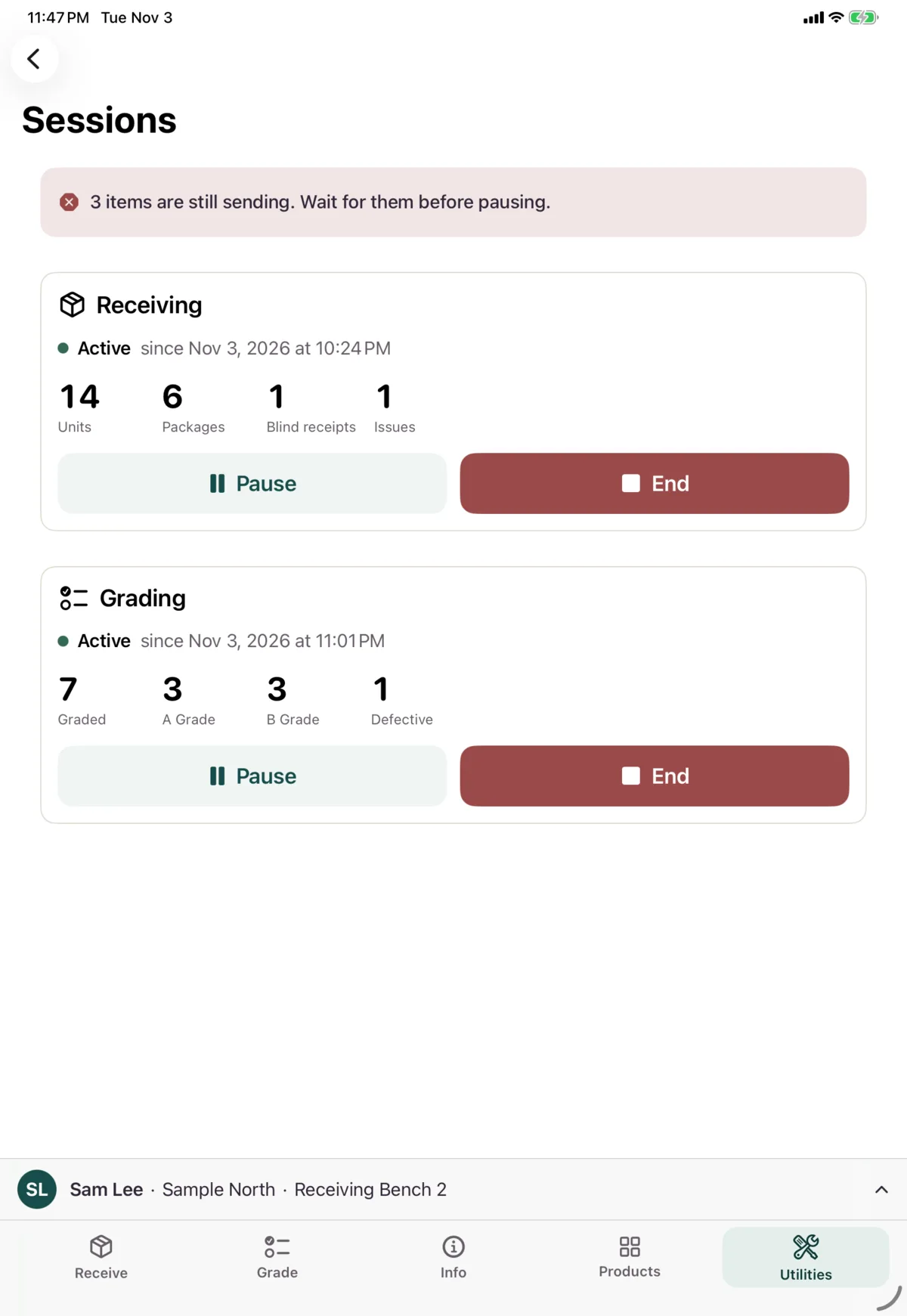
If work is still sending
A receiving session can’t be paused or ended until its work has sent. You’ll see how many items are still sending.
Next: Printer setup